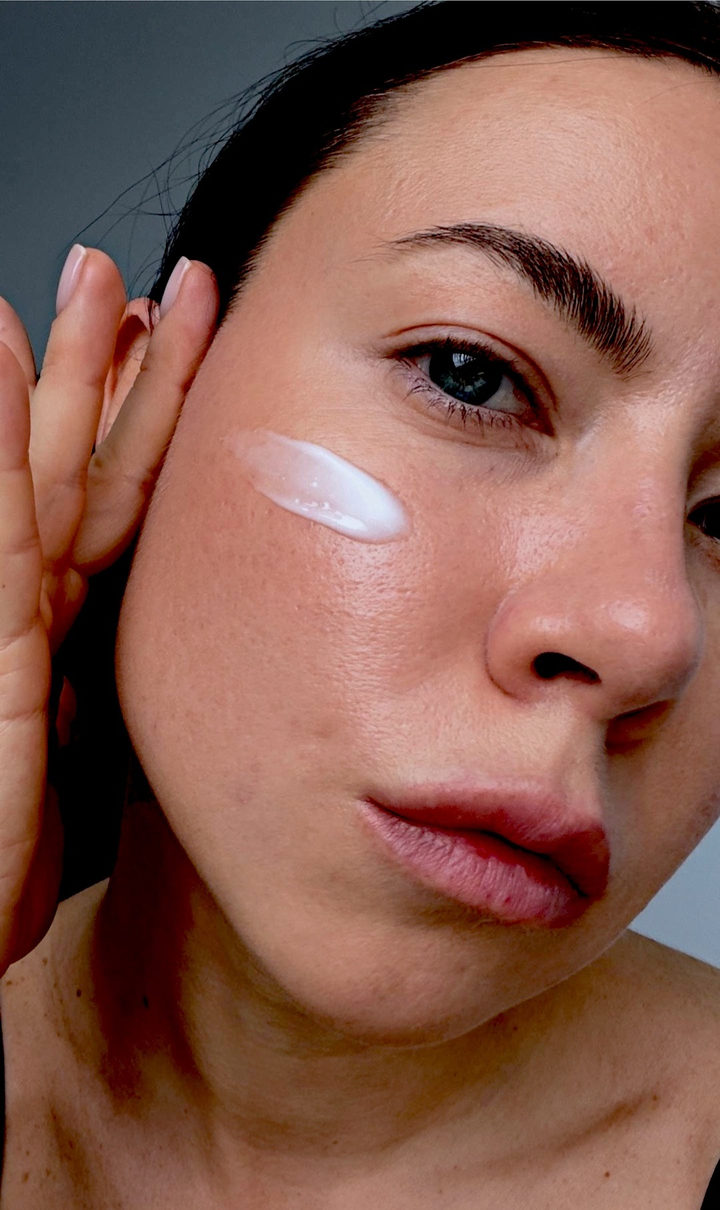
Clean Cool
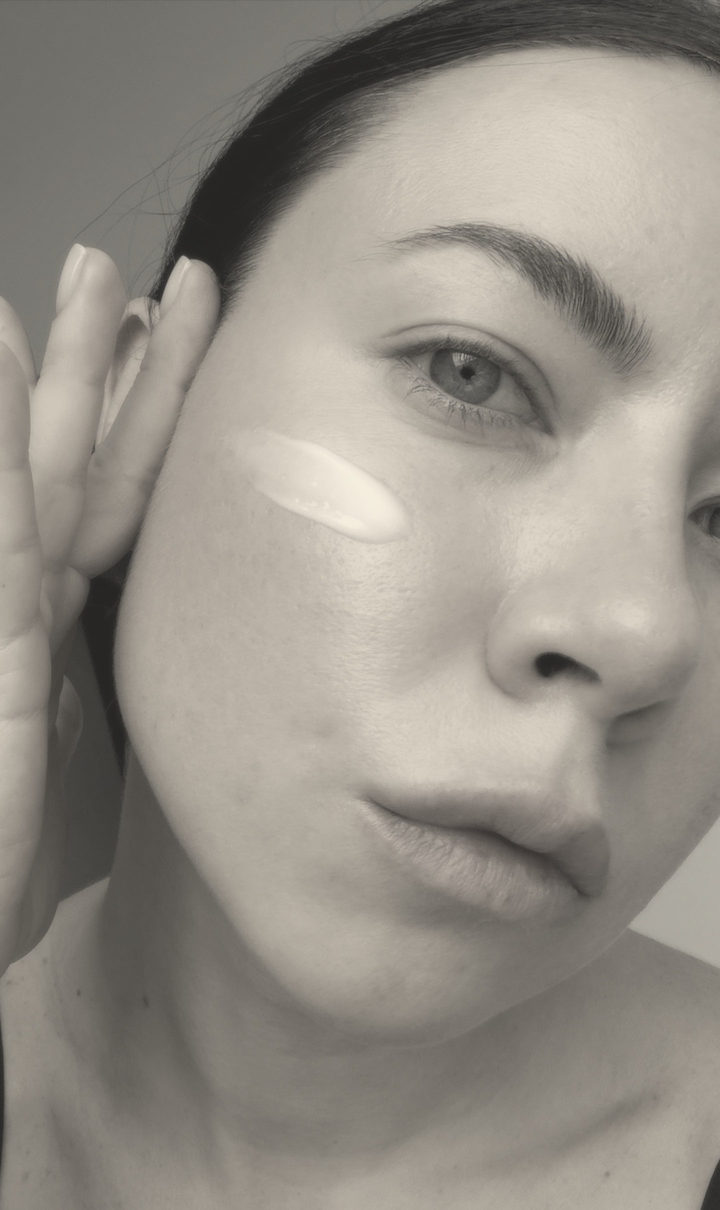
A bright cool look: lowered brightness and contrast, crispness, muted color, recessed highlights, cool balance. Tap “Apply”, choose a photo, open “Layers”.
How to use it
- Open the template in Zebra on your iPhone.
- Add your photo. Zebra fits it into the design automatically.
- Save it in full quality or share it to Stories and chats.
Templates are made in the free Zebra app for iPhone and iPad.
More templates
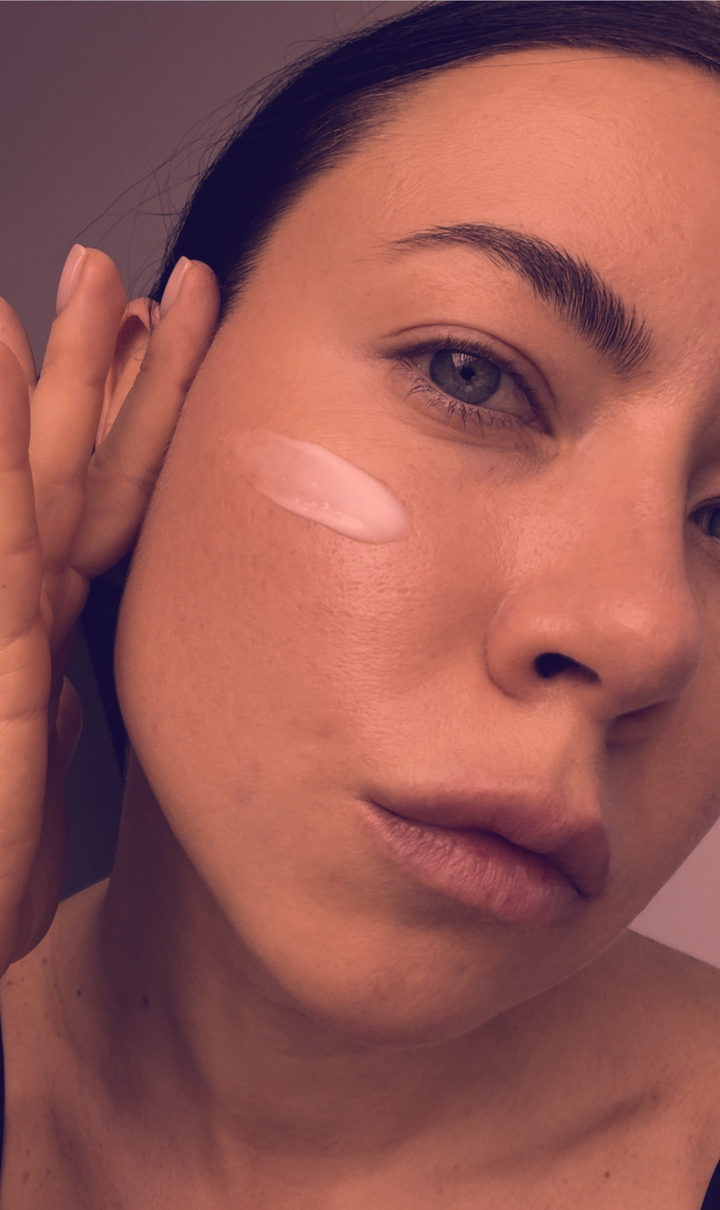 Duotone
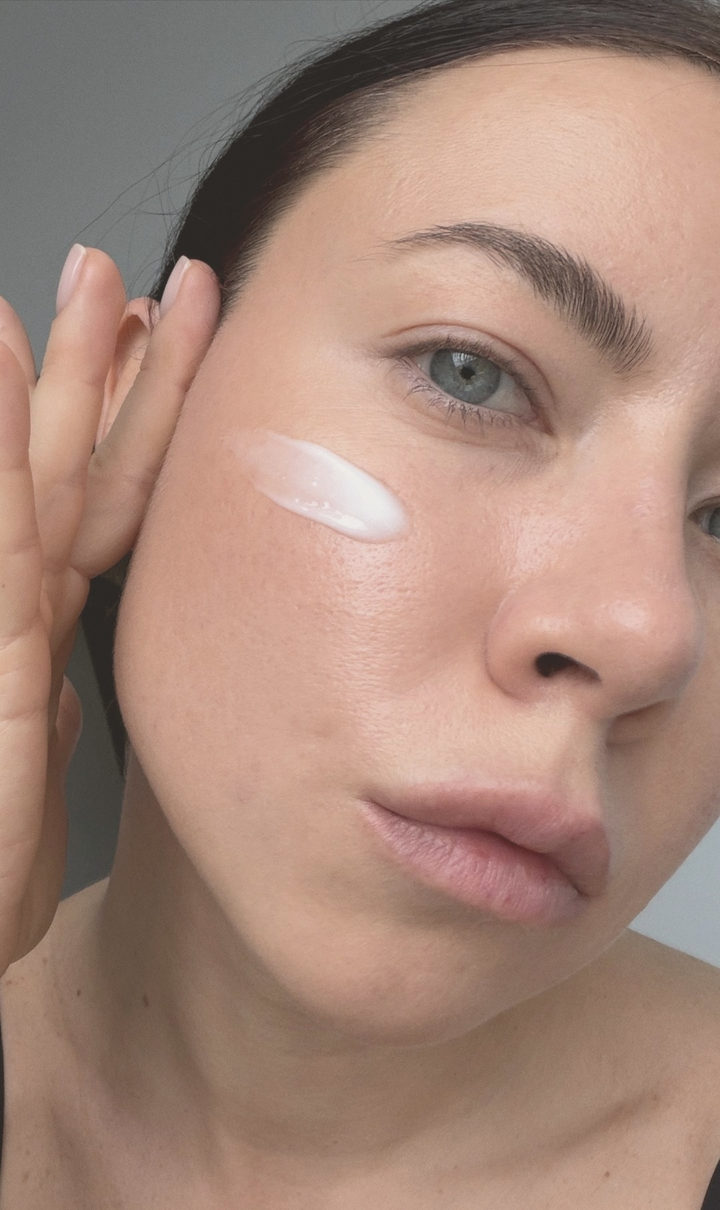 Matte / Fade
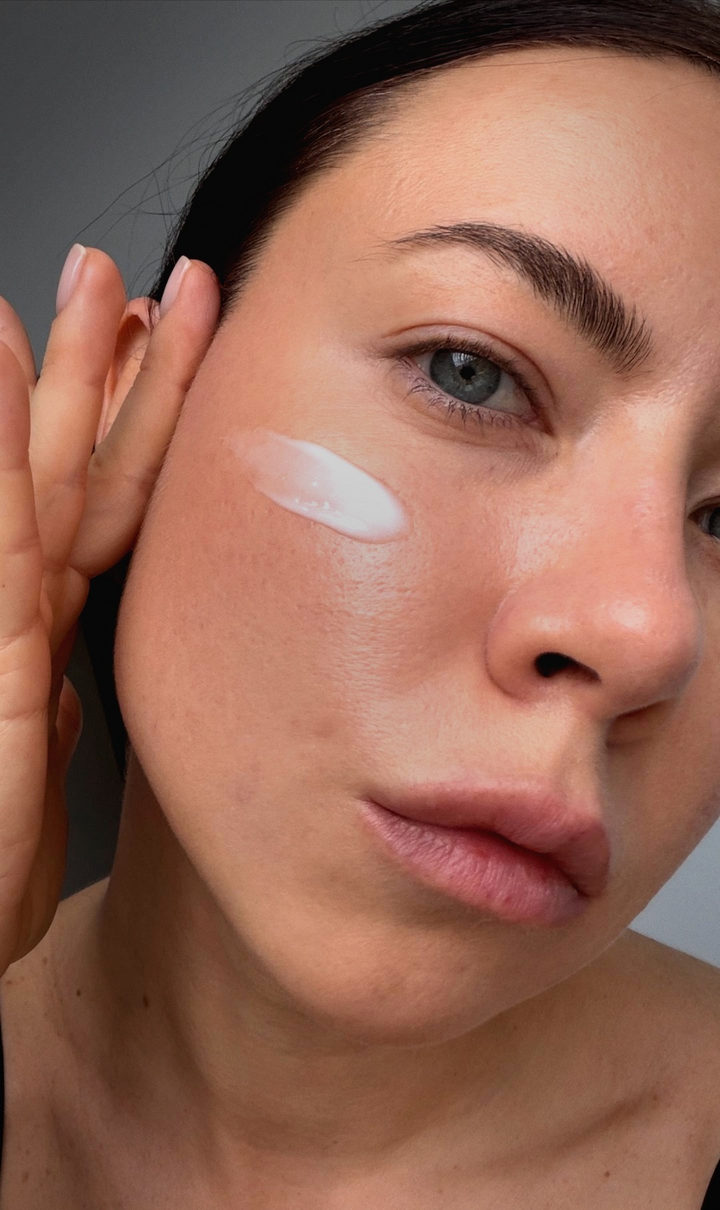 Cinematic
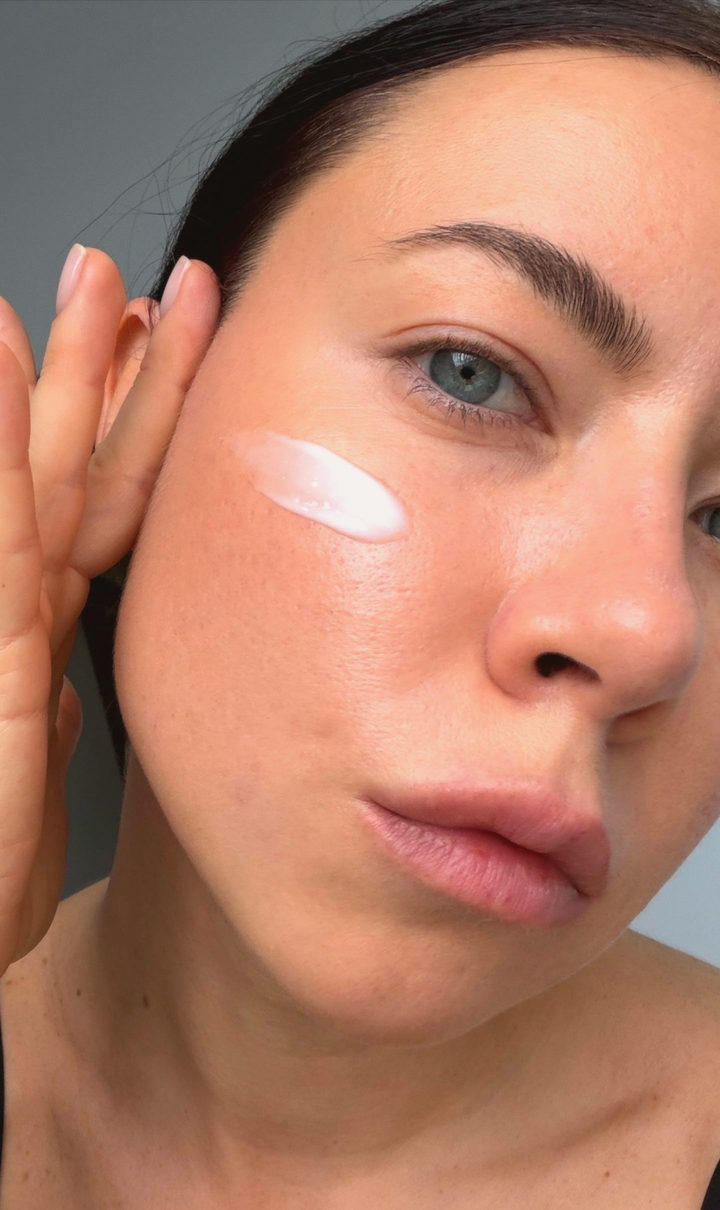 Dreamy
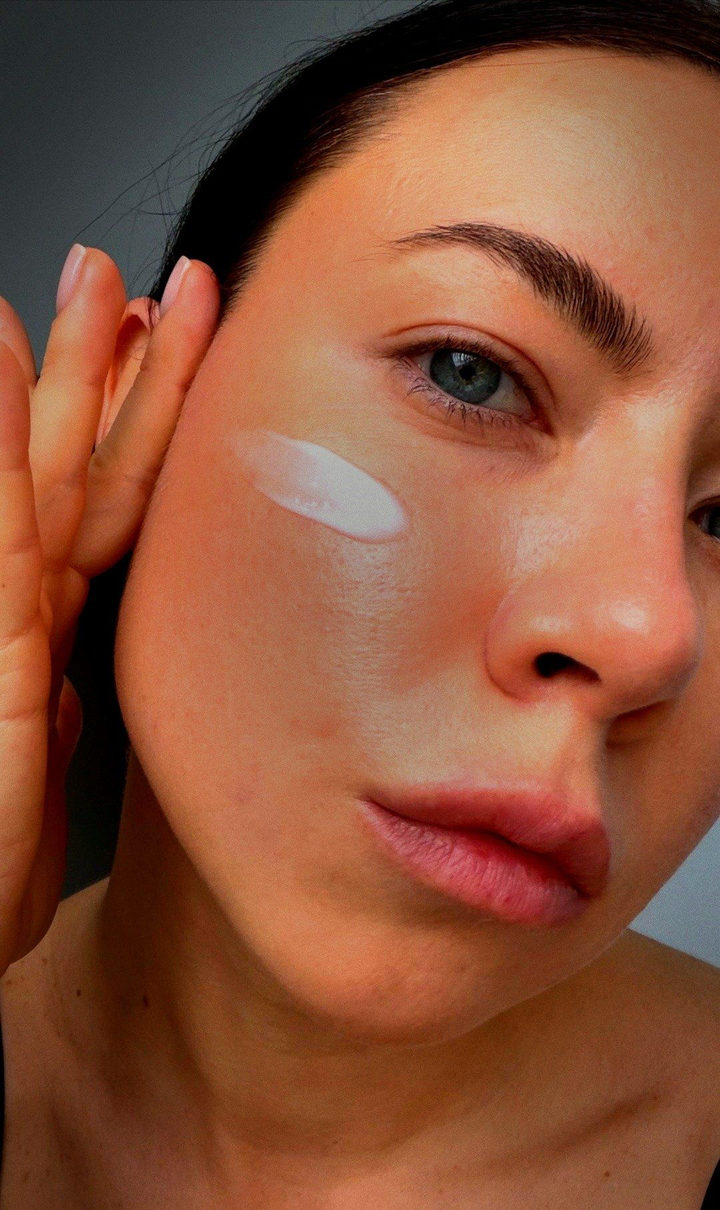 Lomo
Lomo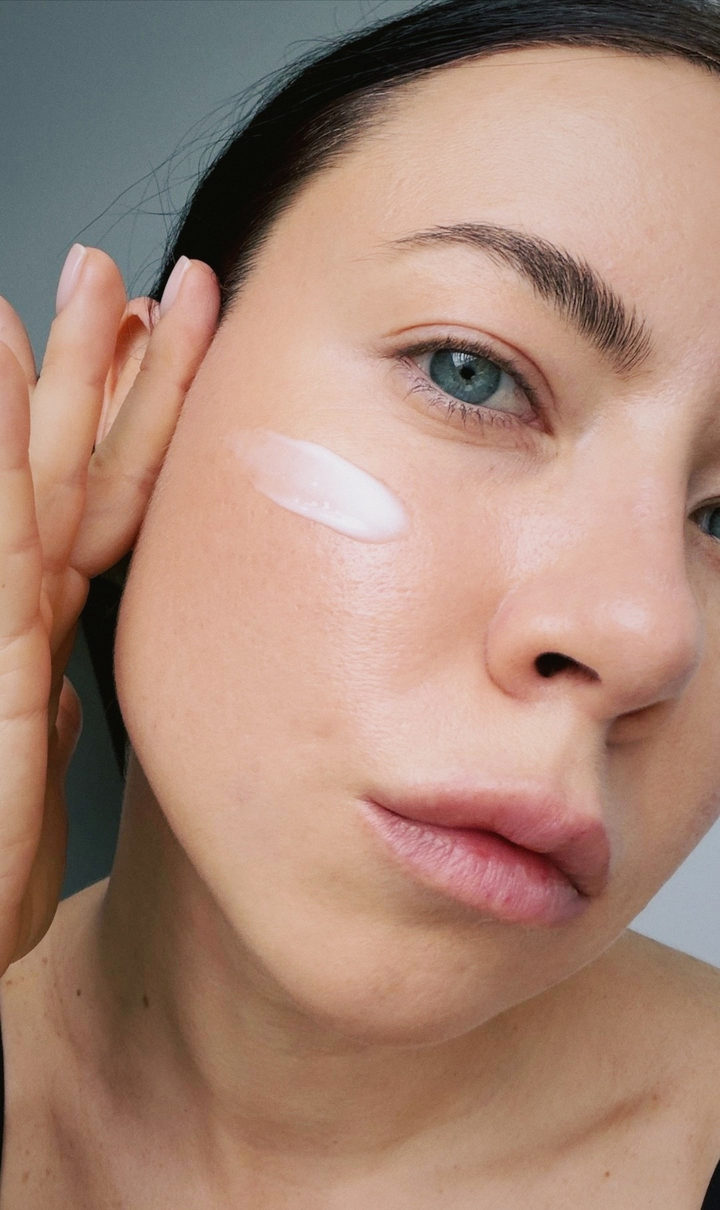 Film
Film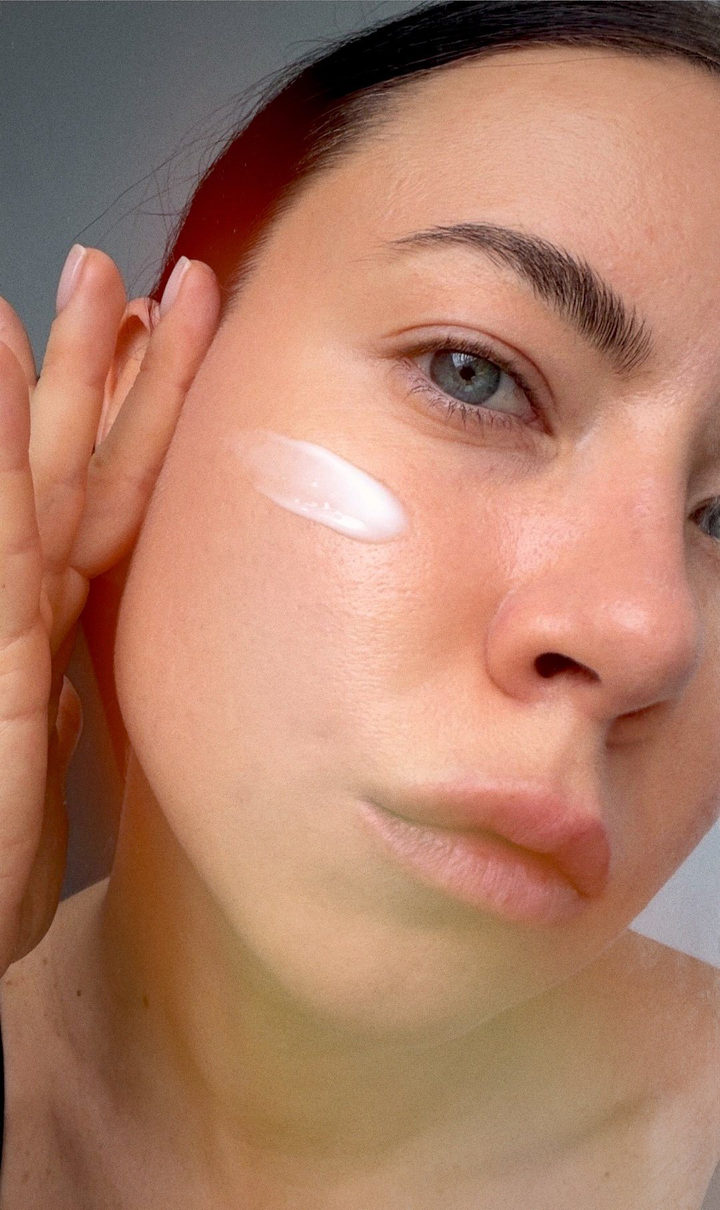 Real Film
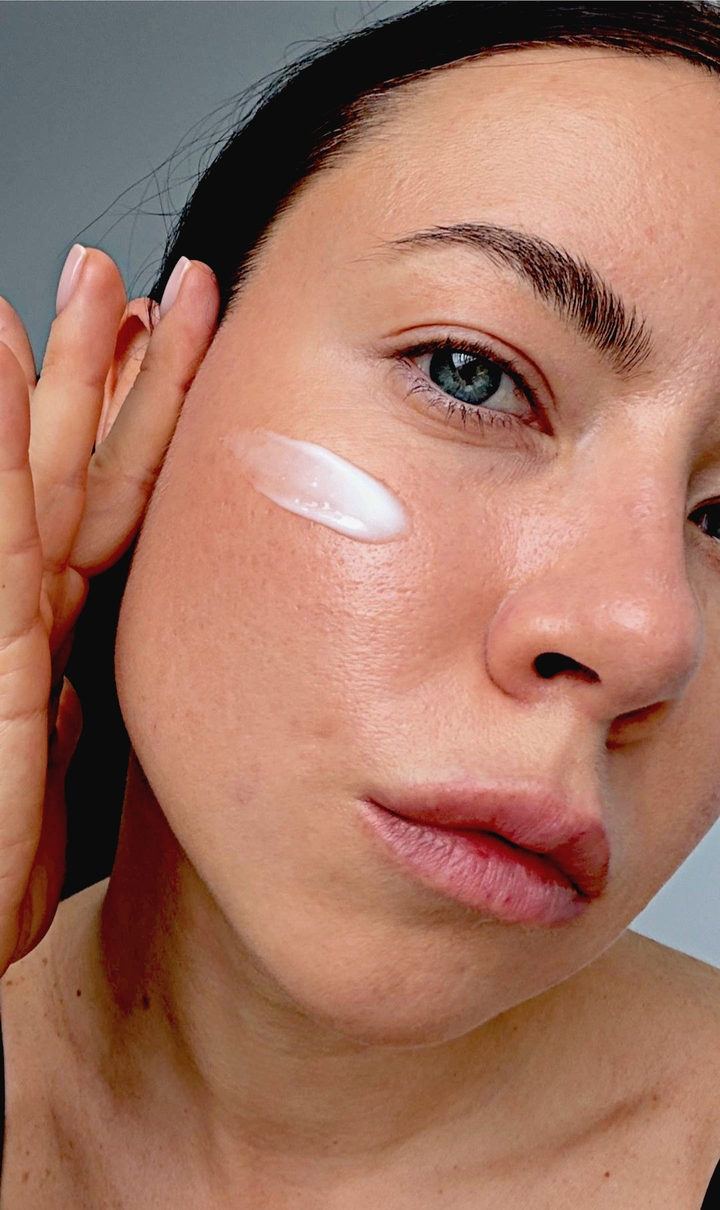 1990s Filter
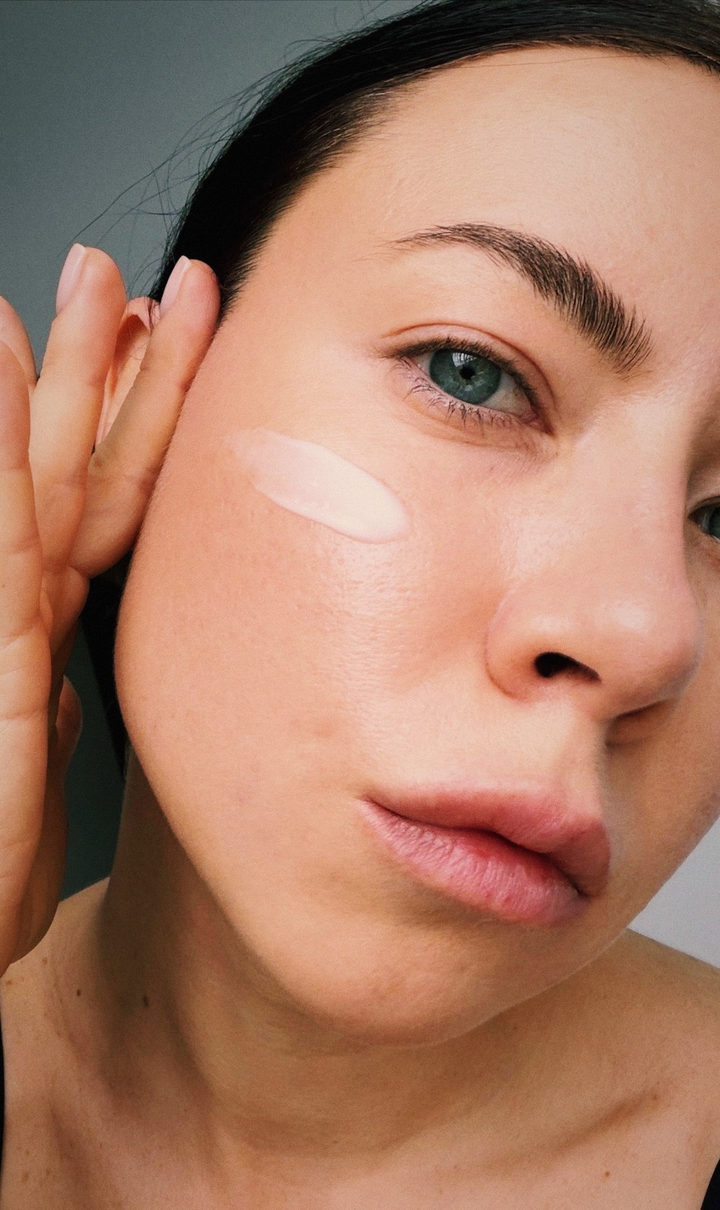 Archive
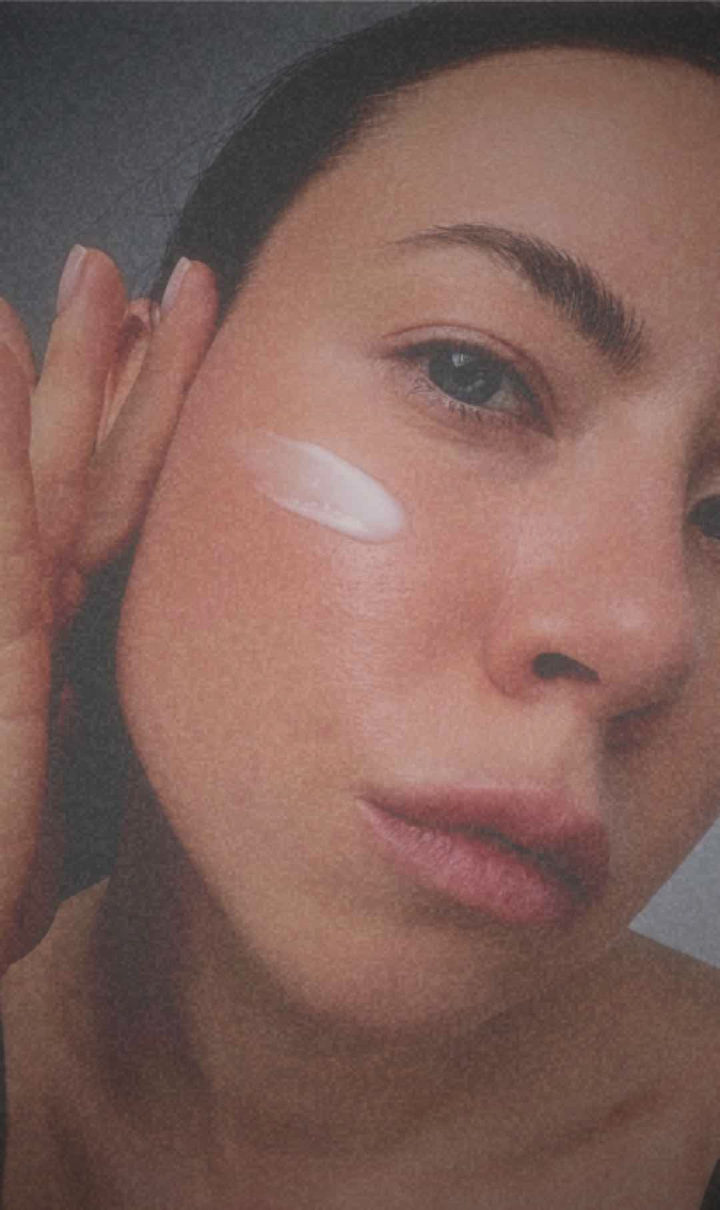 Point-and-shoot 2007
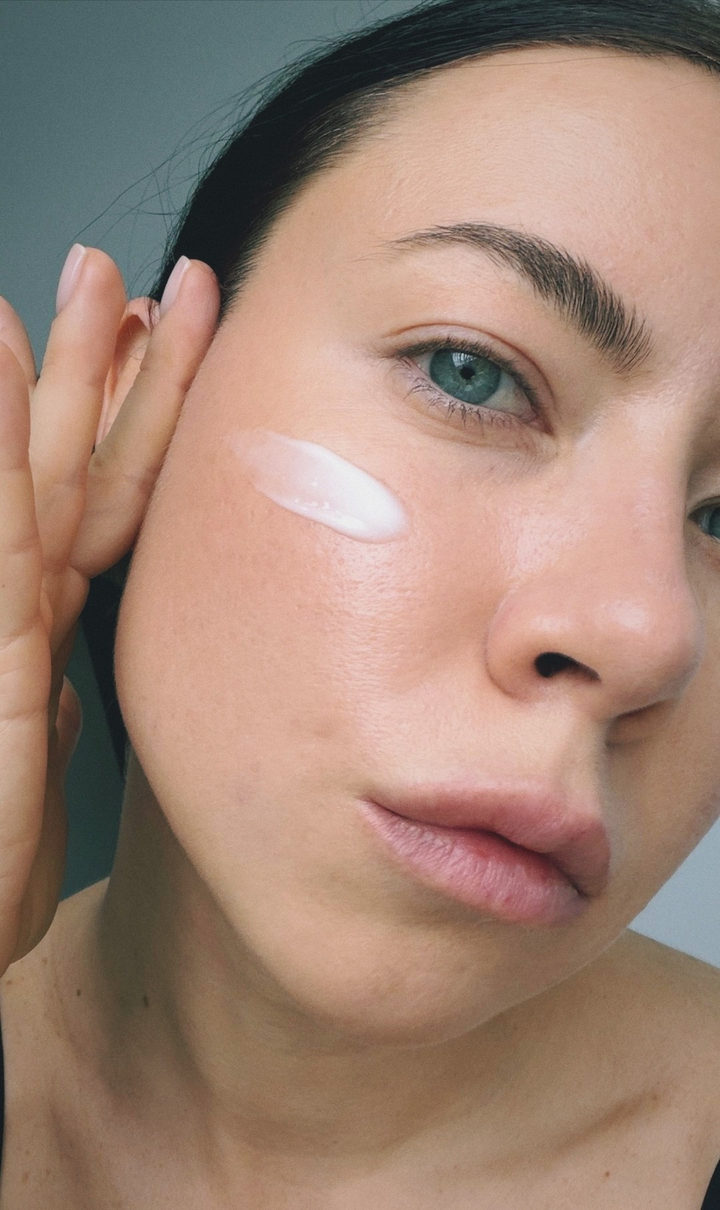 Pastel
 Imprint