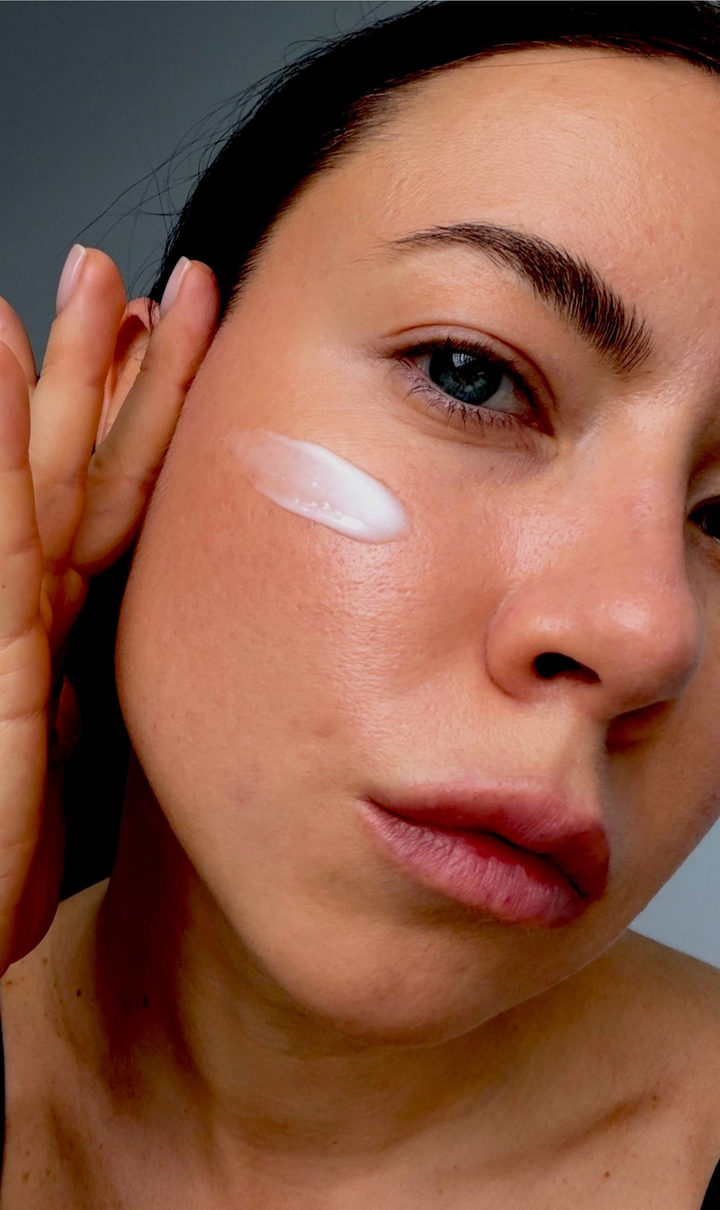
Photo edit
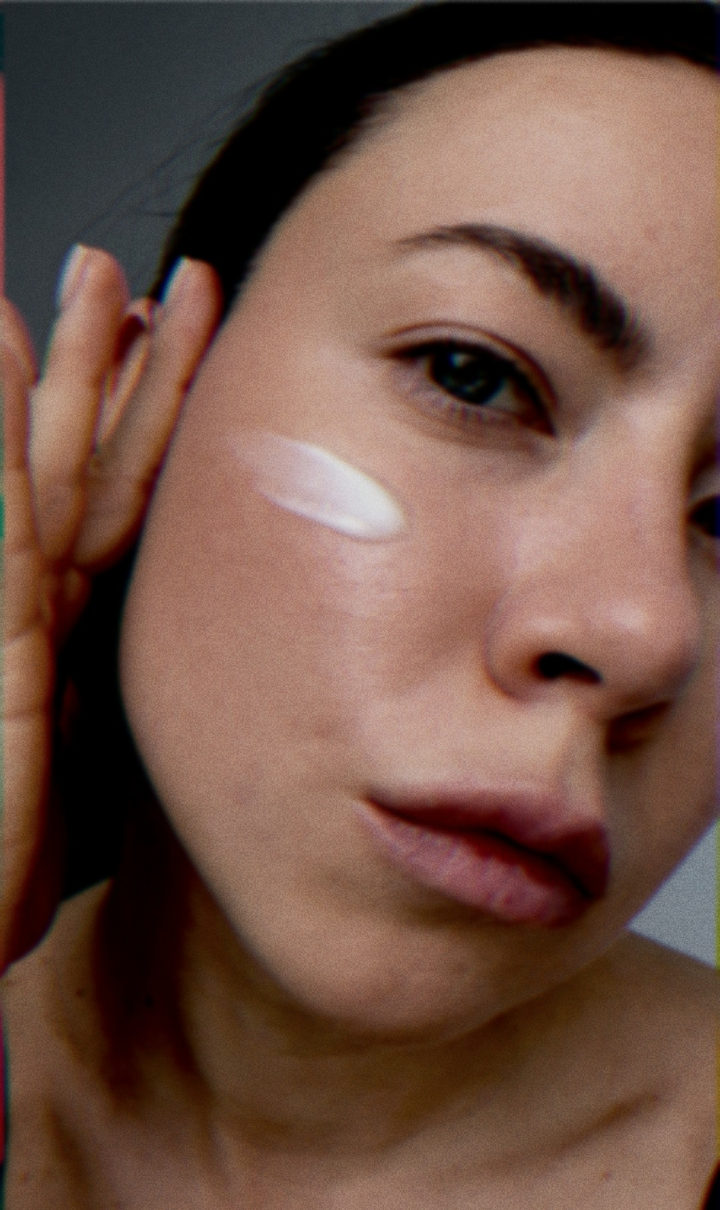
Balanced look: slightly muted glow, gently lifted highlights and contrast, warm balance. Tap "Apply", choose a photo, open "Layers".
How to use it
- Open the template in Zebra on your iPhone.
- Add your photo. Zebra fits it into the design automatically.
- Save it in full quality or share it to Stories and chats.
Templates are made in the free Zebra app for iPhone and iPad.
More templates
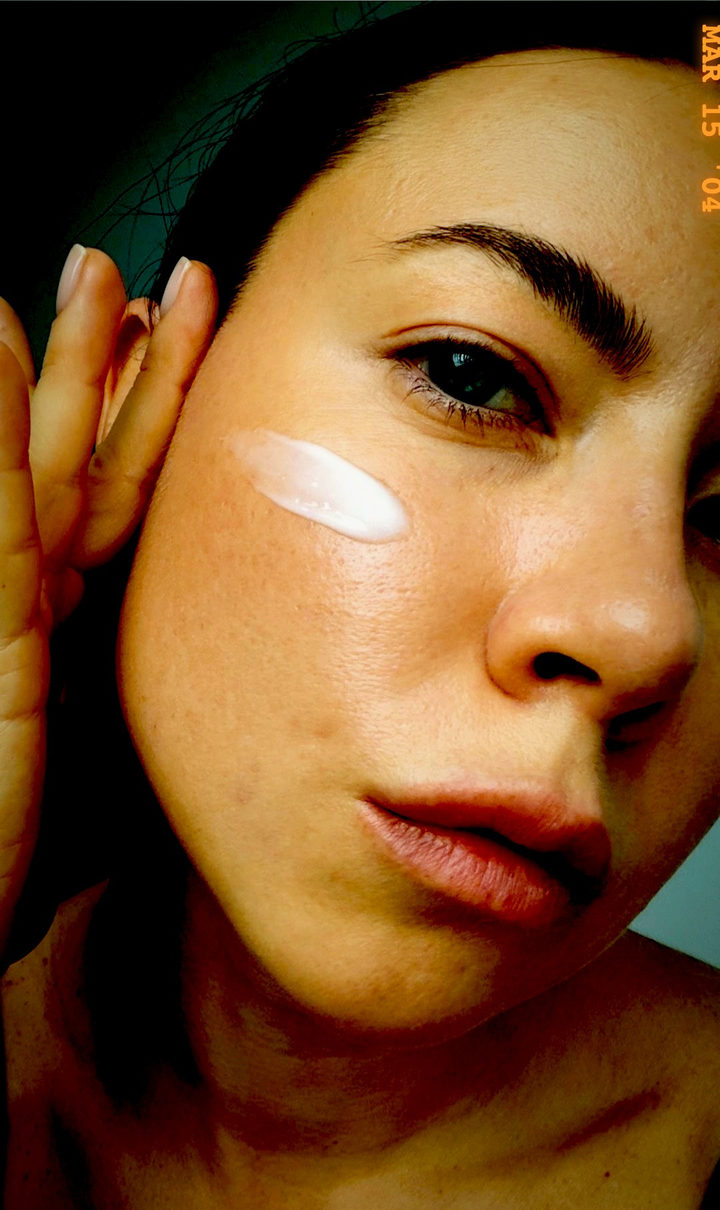 Chronicle
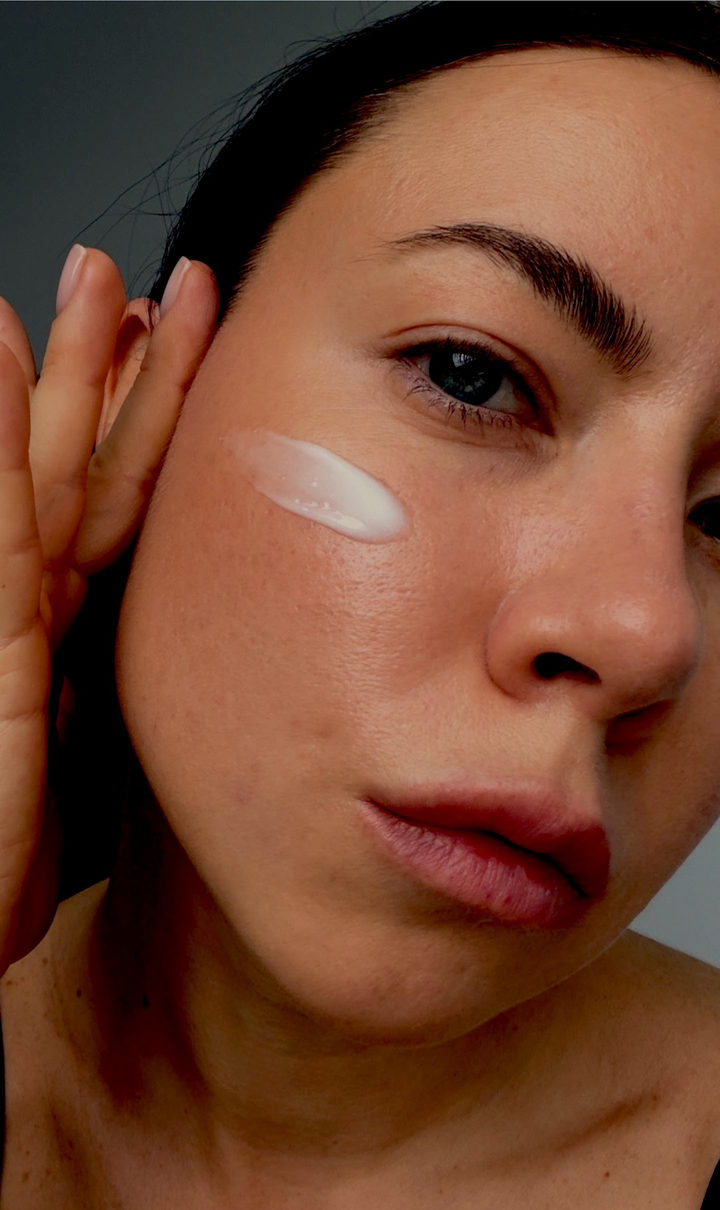 Old Money
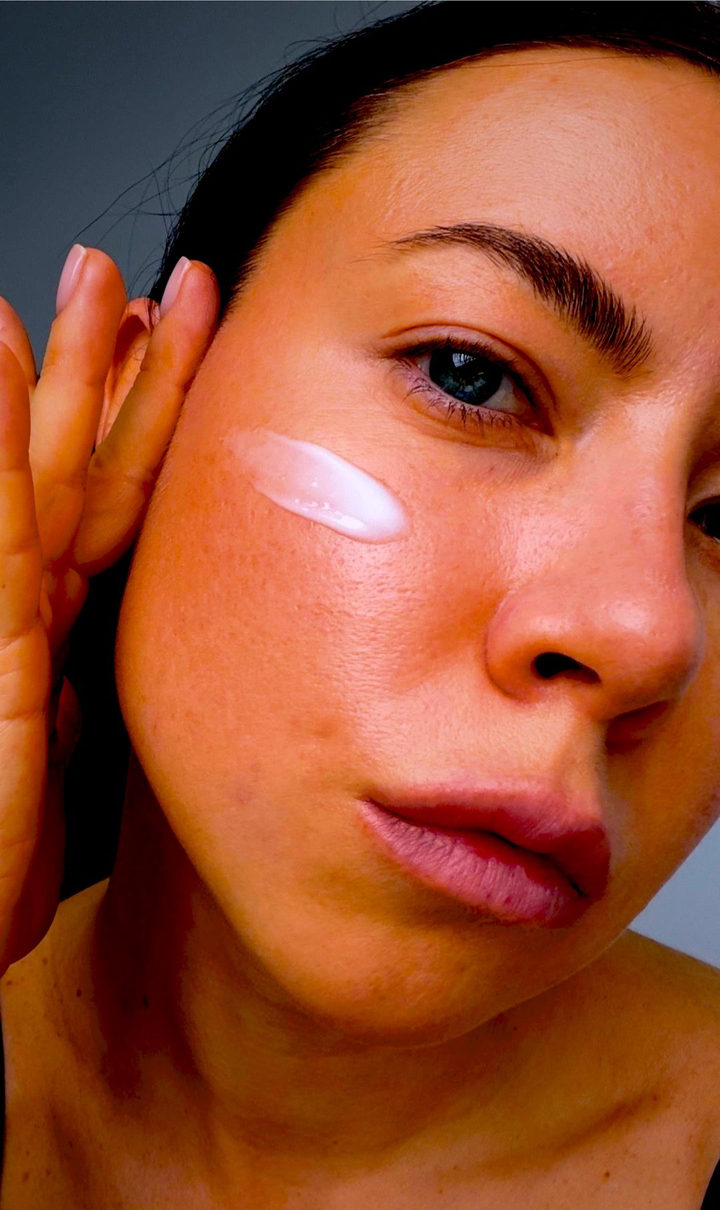 1990s Film Look
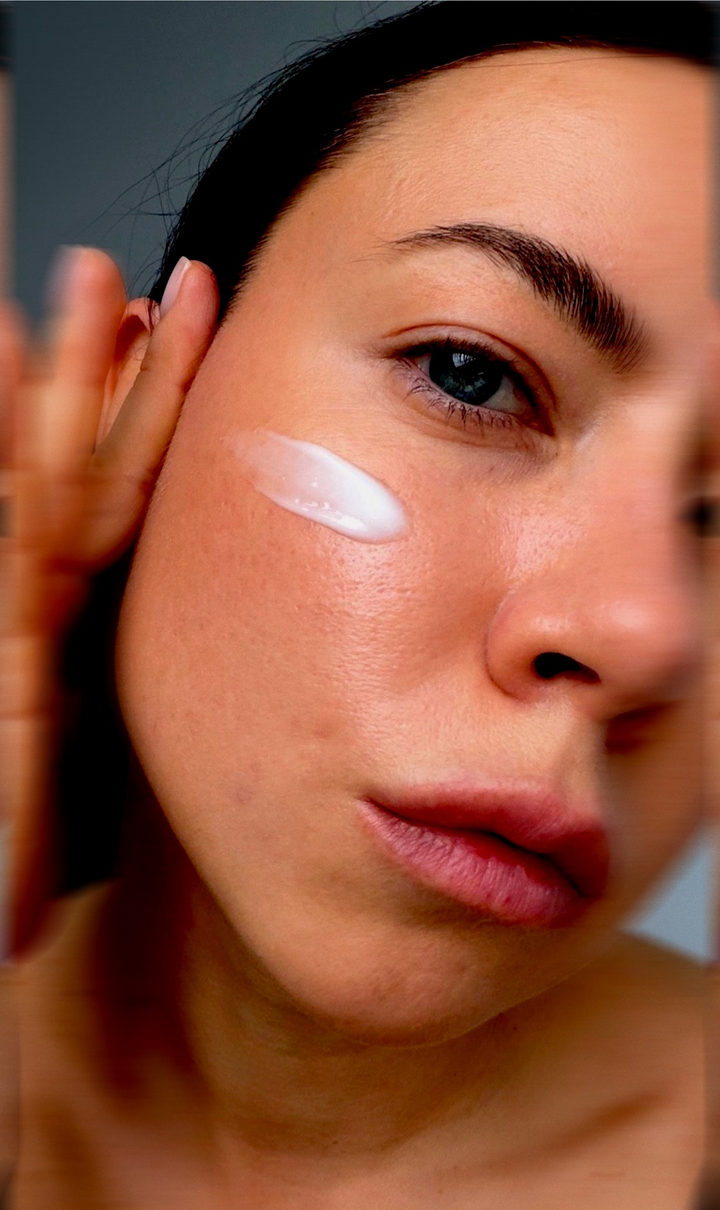 Motion
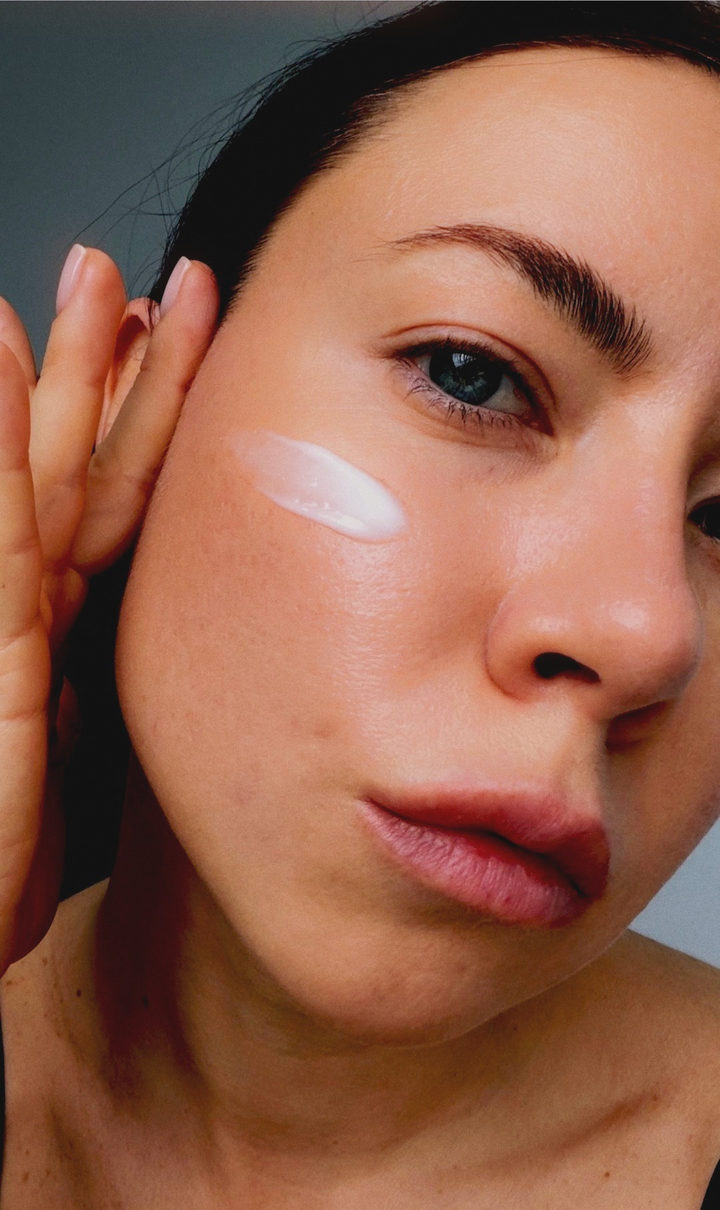 Glow
Glow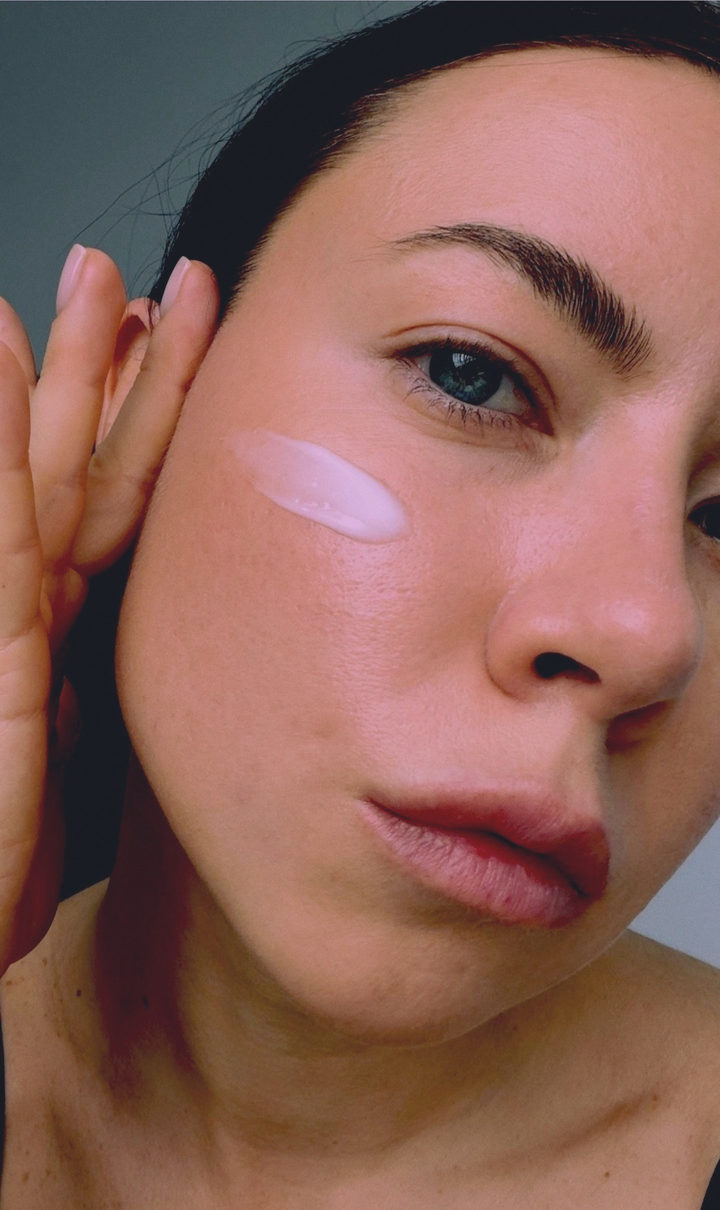 Pastel
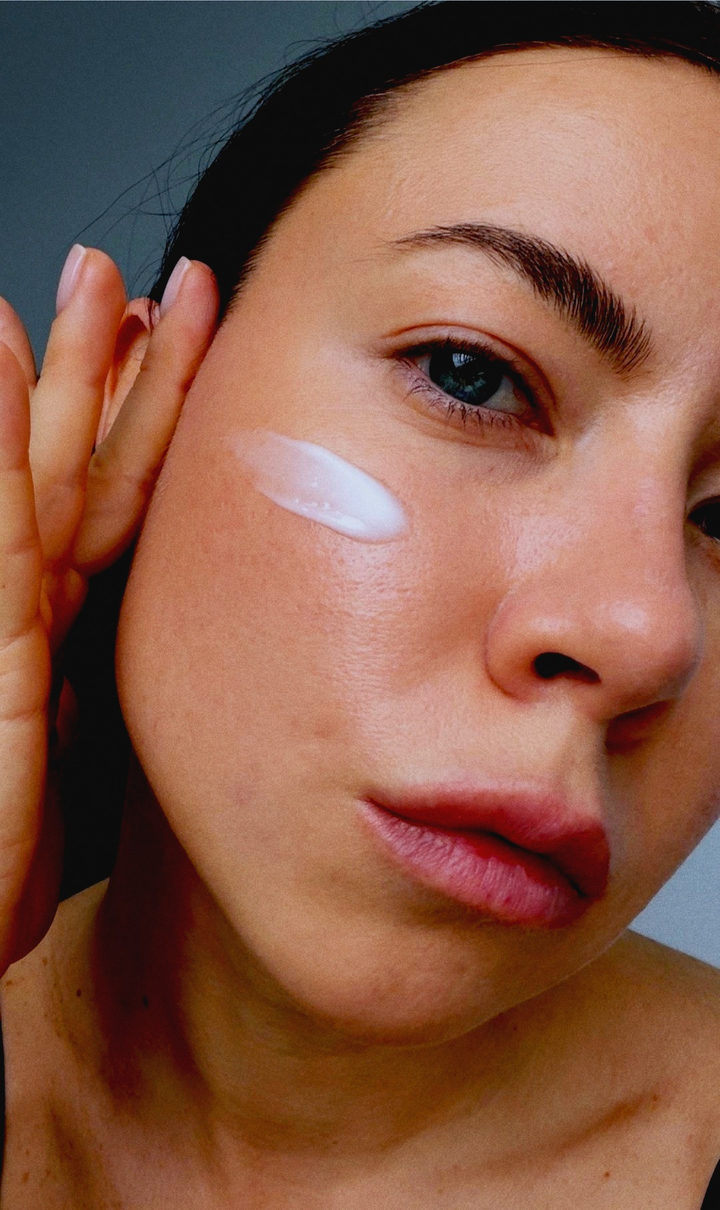 90s Film
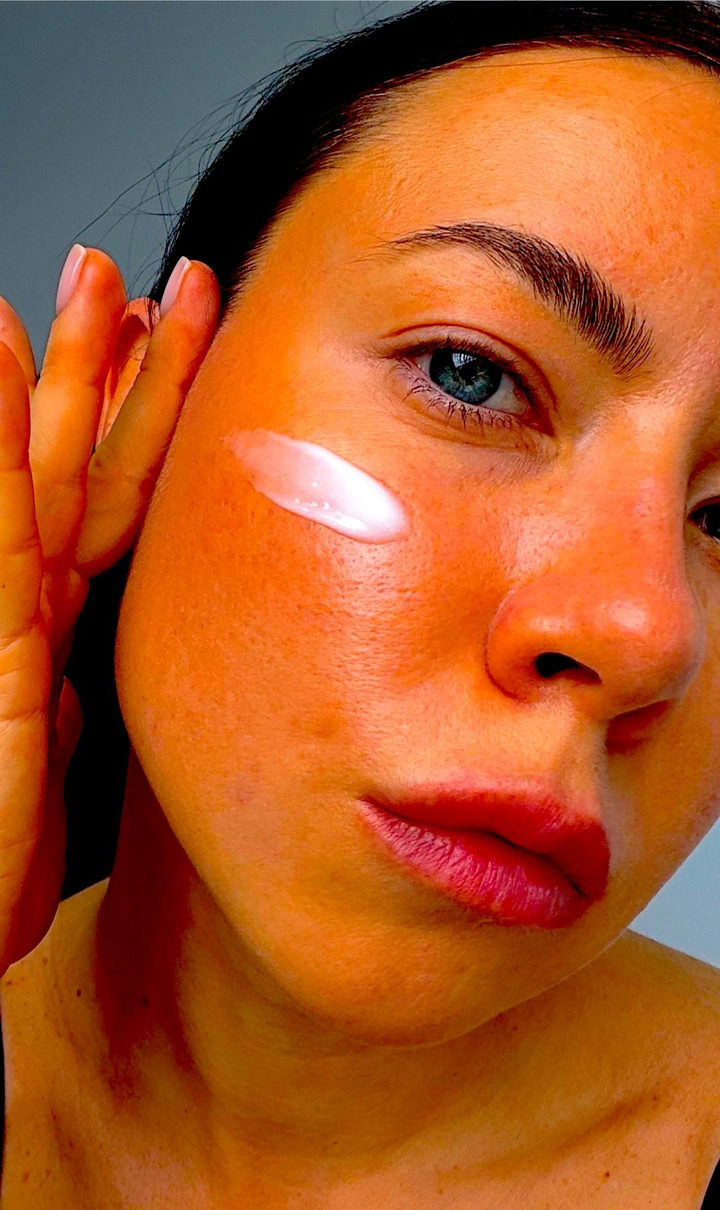 test-glowy-filter-1
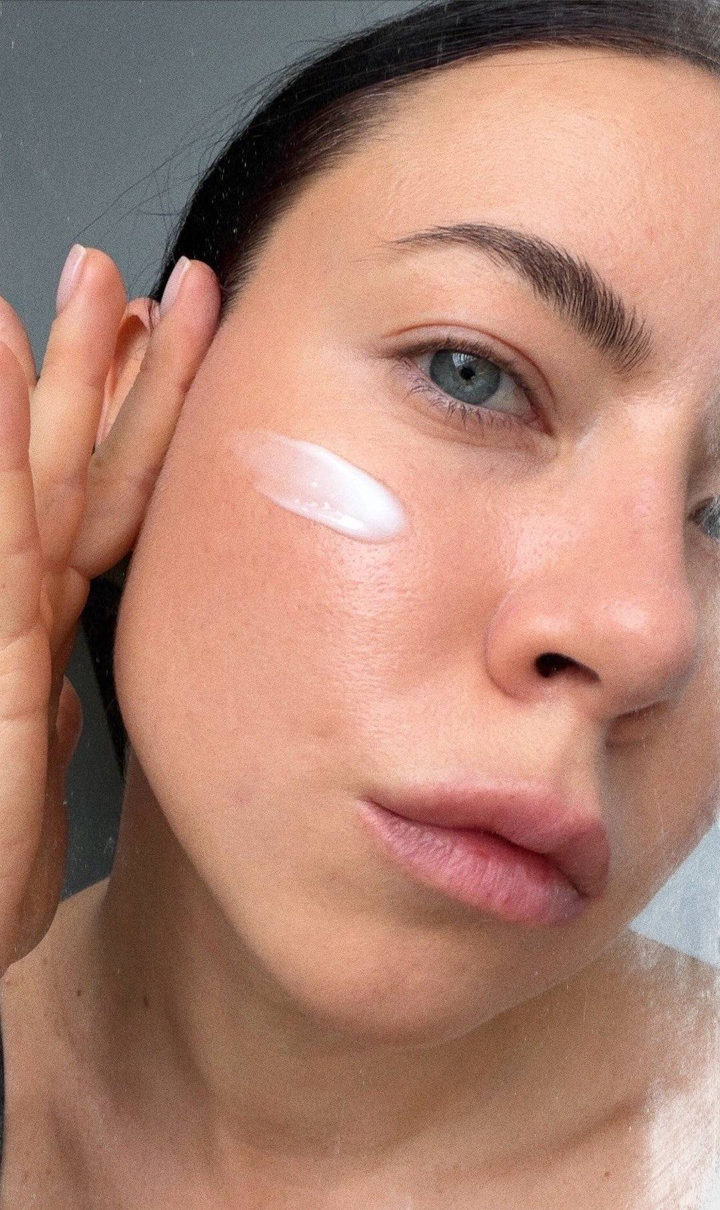 Effect: Grunge
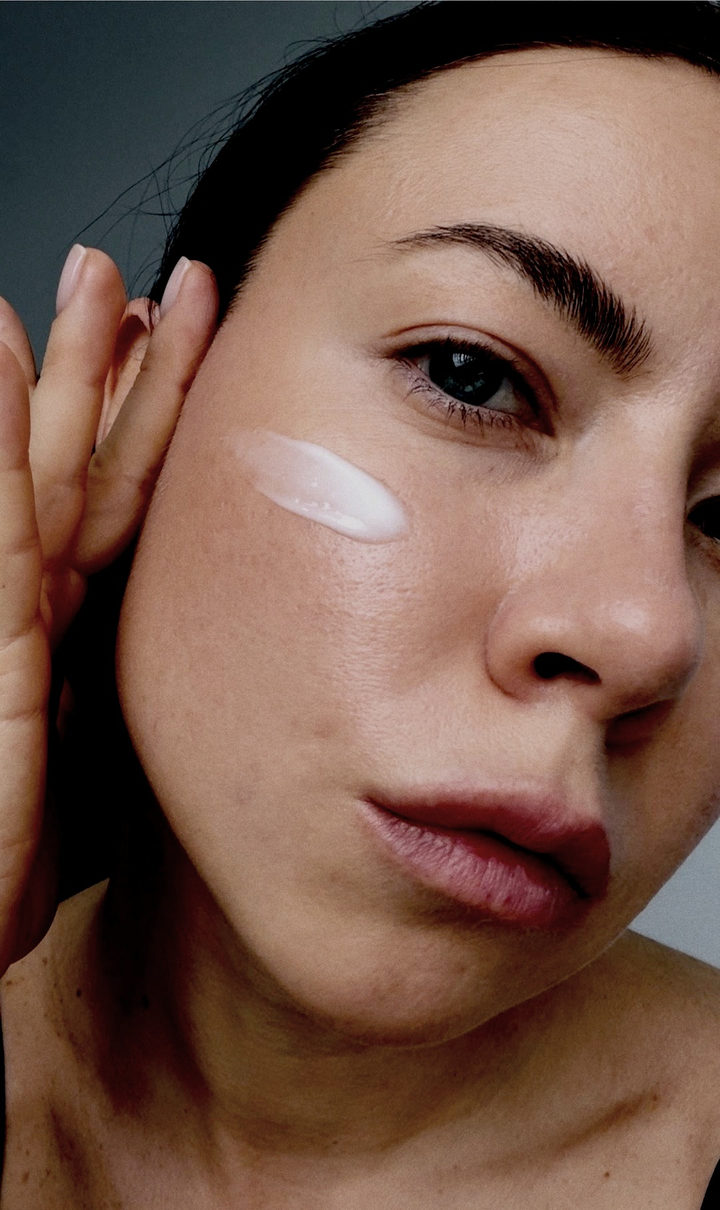 35 mm
35 mm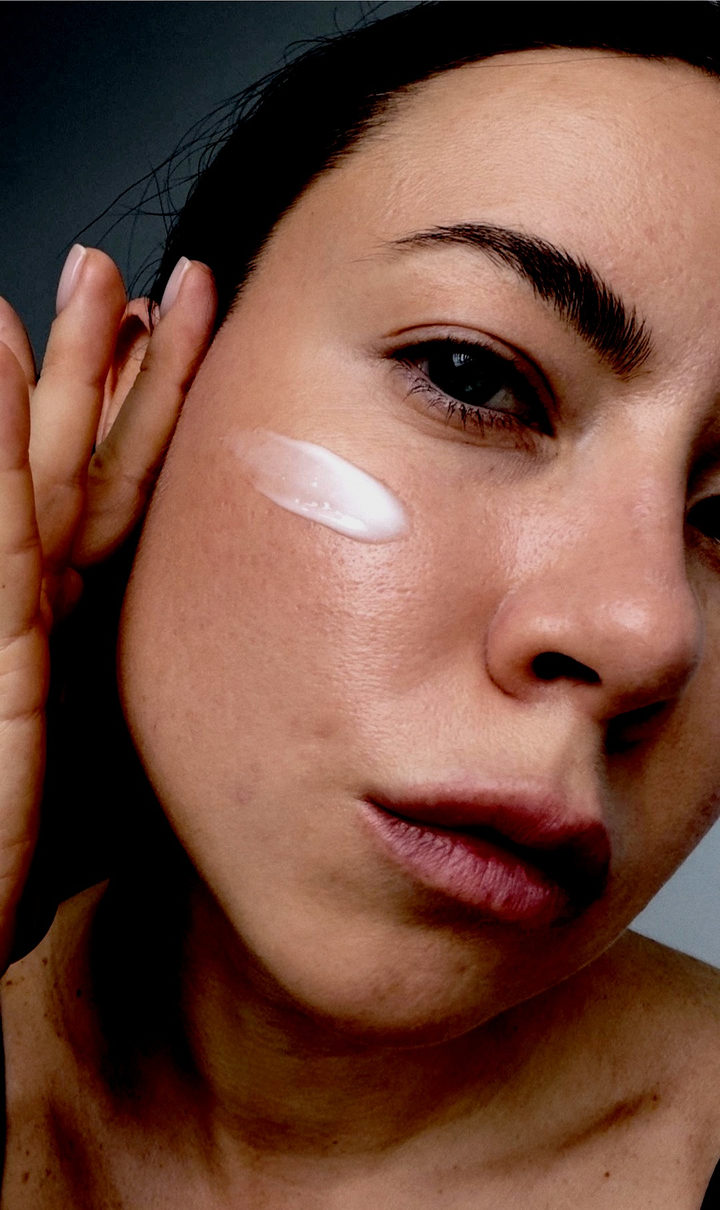 Street
 Cassette