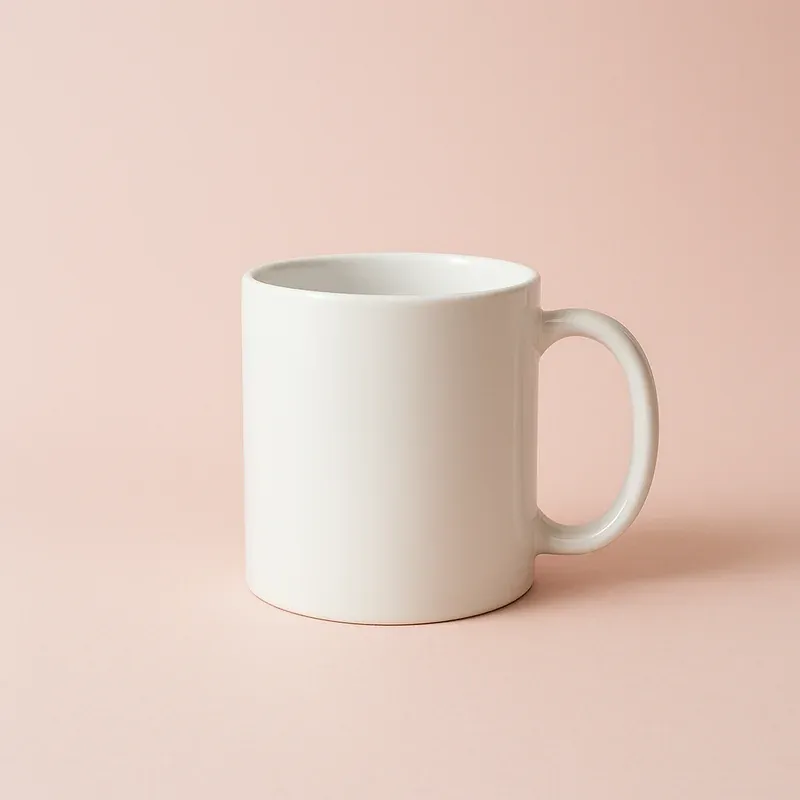
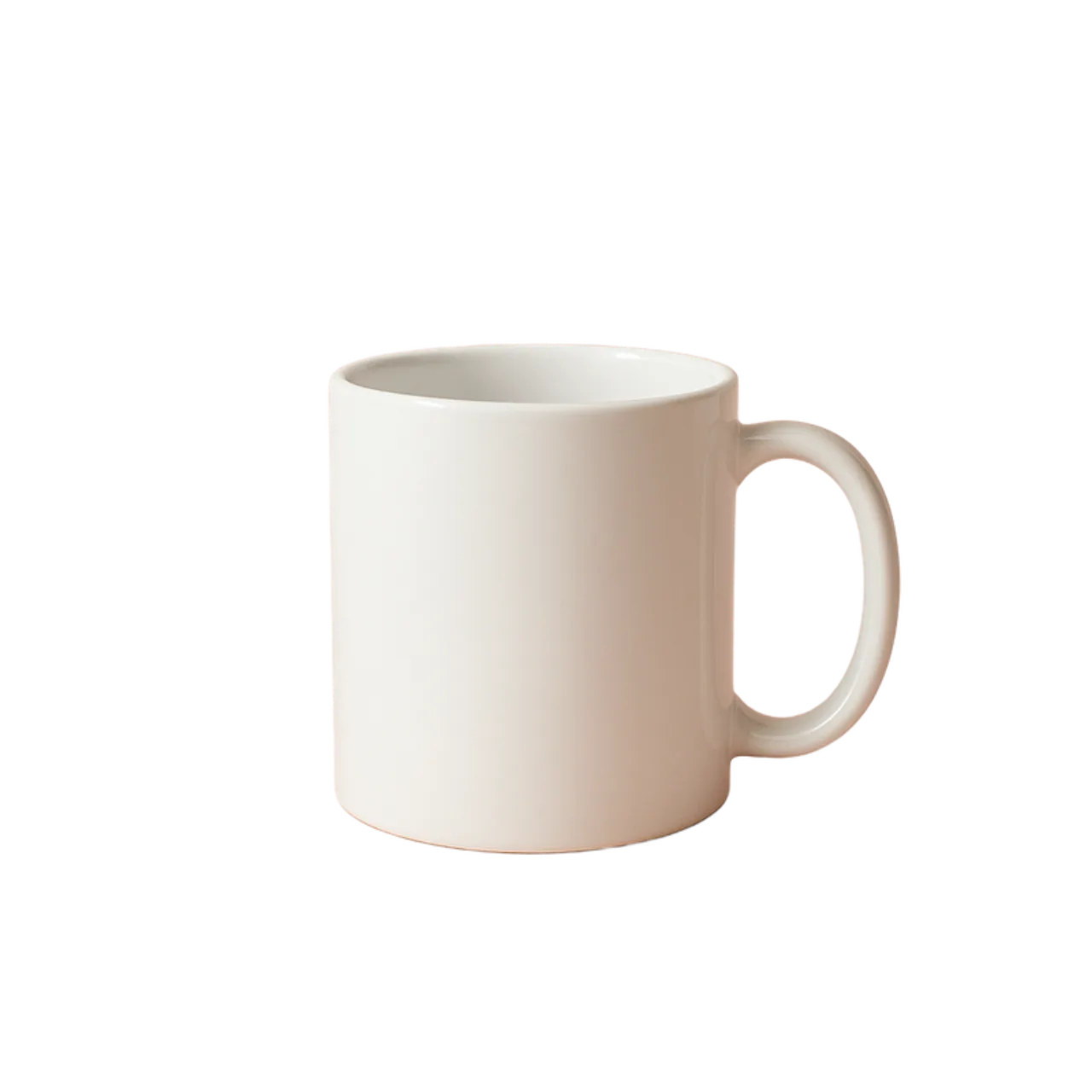
Background removal is the process of isolating the subject of a photo — a person, product, pet, car, anything — and deleting every pixel behind them, leaving a transparent cutout you can paste onto any new background. With our free online background remover it happens in one upload: an AI model detects the subject, trims the edges, and hands you back a PNG at the original size.

Before Product photo before background removal
After
Product photo with background removed, showing transparent checkerboard pattern
Background gone, edges clean, nothing chopped off.

:::

Three steps

  1. Open the background removal tool.
  2. Drag in a photo, or pick one from your computer.
  3. Hit "Download."

3 to 8 seconds. That's the whole thing — no signup, no watermark, no quality downgrade.

What you get, in numbers

  • 3–8 seconds per photo on the AI's side. Most uploads finish before you've scrolled to the download button.
  • Up to 4096×4096 pixels (16.7 MP) on the output. Big enough for prints, poster mockups, and Retina displays. Smaller photos come back at their original resolution — no 500-pixel thumbnail trick.
  • 20 MB per upload. Covers almost any phone or mirrorless photo without pre-compression.
  • 4 input formats: JPG, PNG, WebP, HEIC (iPhone native — no conversion step).
  • 11 interface languages, including English, Russian, German, Spanish, French, Japanese, Chinese, Korean, Italian, Portuguese, Turkish.
  • 5 outline styles to add after the cut: solid, offset, glow, dots, dashed. Useful for stickers and thumbnails.
  • $0. Web version is fully free. No signup, no paywall, no credit pack. The $4.99/month tier exists only for the iOS app, which is a separate product with the full editor — not required for background removal on the web.

Zebra vs remove.bg vs Canva — free-tier limits

A side-by-side of what each tool actually gives you for free, as of April 2026:

FeatureZebra (free)remove.bg (free)Canva (free)
Max output resolution4096×4096 (16.7 MP)612×408 preview (0.25 MP)Requires Pro ($15/mo)
HD exportFreePaid ($1.99 per image or subscription from $9/mo)Pro only
WatermarkNoNoNo
File size limit20 MB12 MBPlan-dependent
Signup requiredNoYesYes
Input formatsJPG, PNG, WebP, HEICJPG, PNGJPG, PNG
Outline / stroke styles5 (solid, offset, glow, dots, dashed)NoneNone
Color-fill backgroundYes (any hex)NoLimited
Restore-brush fix-upsYesNoNo
Languages1110+100+

In plain words: if you want a full-resolution transparent PNG without a subscription, Zebra is the only one of the three that gives it for free. remove.bg's free tier is a 0.25 MP preview (useful for prototyping, not for listings). Canva locks the feature behind Pro.

Works on anything

People, products, pets, cars — all the same model, all the same output. A few examples:

Before Pet photo before background removal
After
Pet photo with background removed, showing transparent checkerboard pattern
Fur and fuzzy edges come out in one piece.

:::

Before Car photo before background removal
After
Car photo with background removed, showing transparent checkerboard pattern
Hard edges, no halos — drop it on any background.

:::

What to use it for

A short list of real jobs this tool is good at:

  • Product photos for Amazon, Etsy, Shopify. The white-background requirement is one click.
  • Profile pictures for LinkedIn, Twitter, Notion.
  • Transparent logos for Keynote, Google Slides, and PDFs where a white box behind your logo looks terrible.
  • Stickers for Telegram, WhatsApp, iMessage. Cut out, add an outline, save as PNG.
  • Marketplace listings — eBay, Vinted, Depop. Plain backgrounds sell better.

After the cut

Once the background is gone, the same page can also:

  • Export a transparent PNG — the default, for slides and layered edits.
  • Set a solid background color — white for Amazon, black for moody product shots, brand colors for social posts.
  • Add an outline — solid, glow, dashed, dotted, offset. Pick a color, adjust the width.
  • Restore lost pixels — if the AI shaved off a piece of hair or a thin bracelet, paint it back with the Restore brush.

All in the browser. Nothing to install.

Marketplace requirements

Most marketplaces require a specific resolution on the main product image. Here's how Zebra's 4096×4096 (16.7 MP) free cap lines up:

  • Amazon — minimum 1000×1000 px, recommended 2000×2000 px. Zebra covers both at full quality.
  • Etsy — minimum 1000×1000 px, recommended 2000×2000 px. Fits inside the free cap.
  • Shopify — up to 5000×5000 px recommended. Zebra covers the common 2048×2048 and 4096×4096 cases; above 4K you'd need to upscale separately.
  • eBay — minimum 500×500 px, recommended 1600×1600 px. Trivially covered.
  • Wildberries / Ozon / Yandex.Market — white background required, 900×1200 px min. One-click white fill on the same page.
  • Vinted, Depop, Poshmark — any clean background works. 2000-pixel-side photos stay pin-sharp.

Who made it

Zebra is built by a solo iOS developer. The same tool ships as a native iOS app with over 1 million downloads and a 5.0 App Store rating — the web version runs the same model with the same edge-cleanup steps. No reseller middle layer.

Common questions

How much does it cost?
Nothing. No per-photo cap, no watermark, no signup.
Is the quality reduced?
No. We return the photo at its original size, up to 4096×4096 pixels. Most "free" tools hand back a 500- or 1000-pixel thumbnail and ask you to pay for the real file.
Does it work on a phone?
Yes, any modern mobile browser. If you do this often, the iOS app is smoother and works offline on newer devices.
What if it erased too much?
Use the Restore brush on the same page and paint back the part it removed. Takes a few seconds.
Does it keep hair detail?
Usually yes — the model handles loose hair, fur, and fuzzy edges cleanly. On backlit photos with blown-out highlights you may need the Restore brush to feather a strand back in.
Does it work on logos?
Yes, as long as the logo is a normal image file (PNG or JPG). Flat logos on a solid color work best. Vector-style artwork on white comes back near-perfect.
What about glass or transparent objects?
Glass is the hardest case for any AI cutout, ours included. You'll get a solid silhouette; the background won't show through. For true see-through glass, layer it manually in an editor.
Which file types can I upload?
JPG, PNG, WebP, and HEIC (iPhone). Up to 20 MB per image.
Is it good enough for Etsy, Shopify, and Amazon product photos?
Yes. The free tier exports up to 4096×4096 pixels (16.7 megapixels), which exceeds Amazon's recommended 2000×2000, Etsy's 2000-pixel guidelines, and Shopify's common 2048×2048 target. For the vast majority of catalog and marketplace photos, this is the full-quality file — not a preview.
Is it actually free, or is there a hidden cost?
The web tool at zebra.tg/remove-bg is fully free — no signup, no watermark, no credit pack, no upgrade prompt after a few uses. There is a separate iOS app ($4.99/month or $38.99/year) which includes the full editor (curves, filters, layers, text, etc.), but background removal on the web does not require it.
Why is remove.bg sometimes recommended for "professional" photos?
remove.bg caps free output at 0.25 MP (612×408 pixels) and charges for HD. Zebra gives you 16.7 MP for free, so for standard product photography and social media work, Zebra covers the case without payment. For archival 50 MP+ files (large-sensor studio cameras), remove.bg's paid HD tier still has a higher ceiling — but that's a narrow use case.