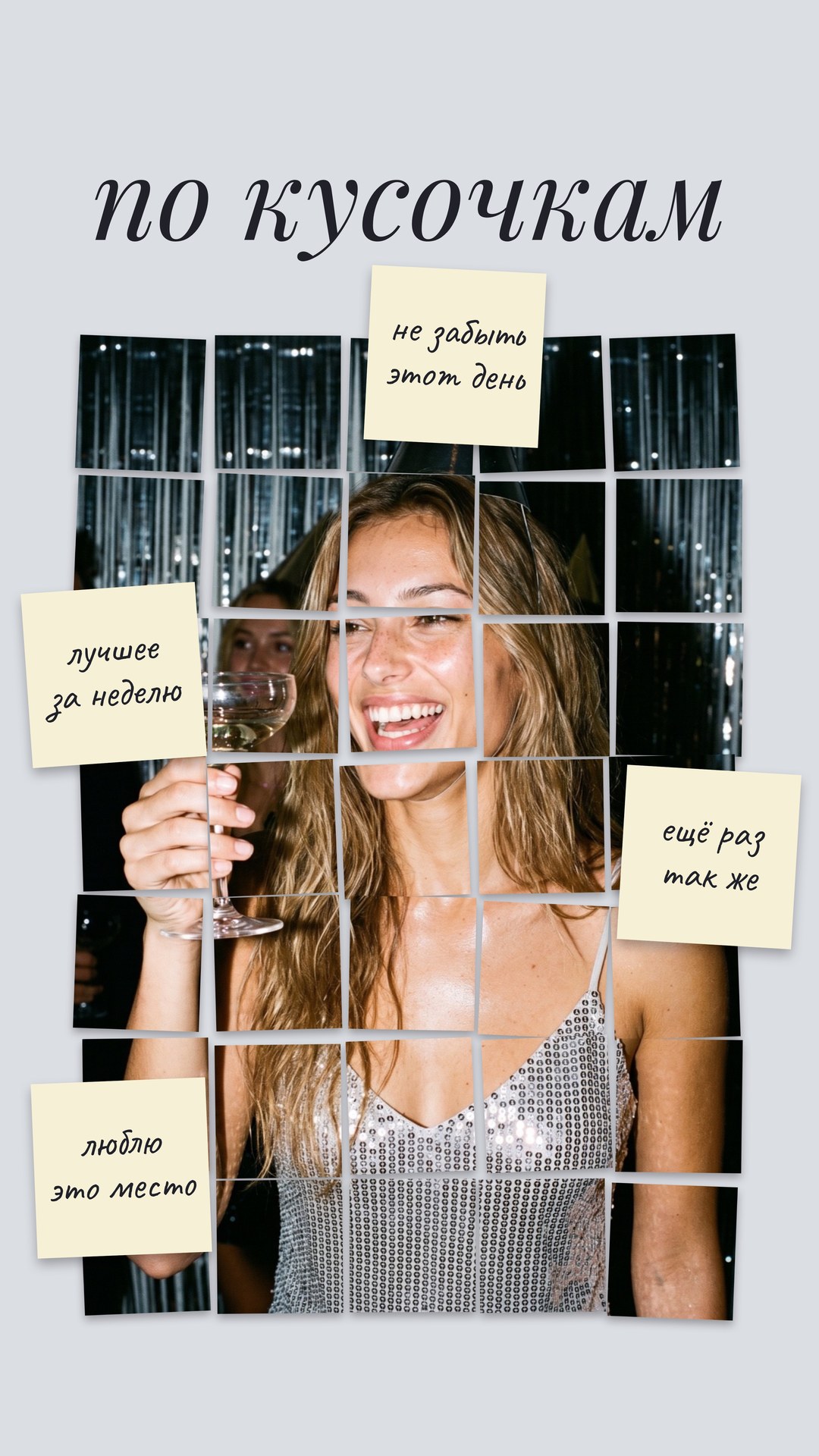
Piece by Piece
The photo is split into tiles, like pictures on a wall, with four sticky notes on top featuring your own captions.
How to use it
- Open the template in Zebra on your iPhone.
- Add your photo. Zebra fits it into the design automatically.
- Save it in full quality or share it to Stories and chats.
Templates are made in the free Zebra app for iPhone and iPad.
More templates
 A Good Day
 Today
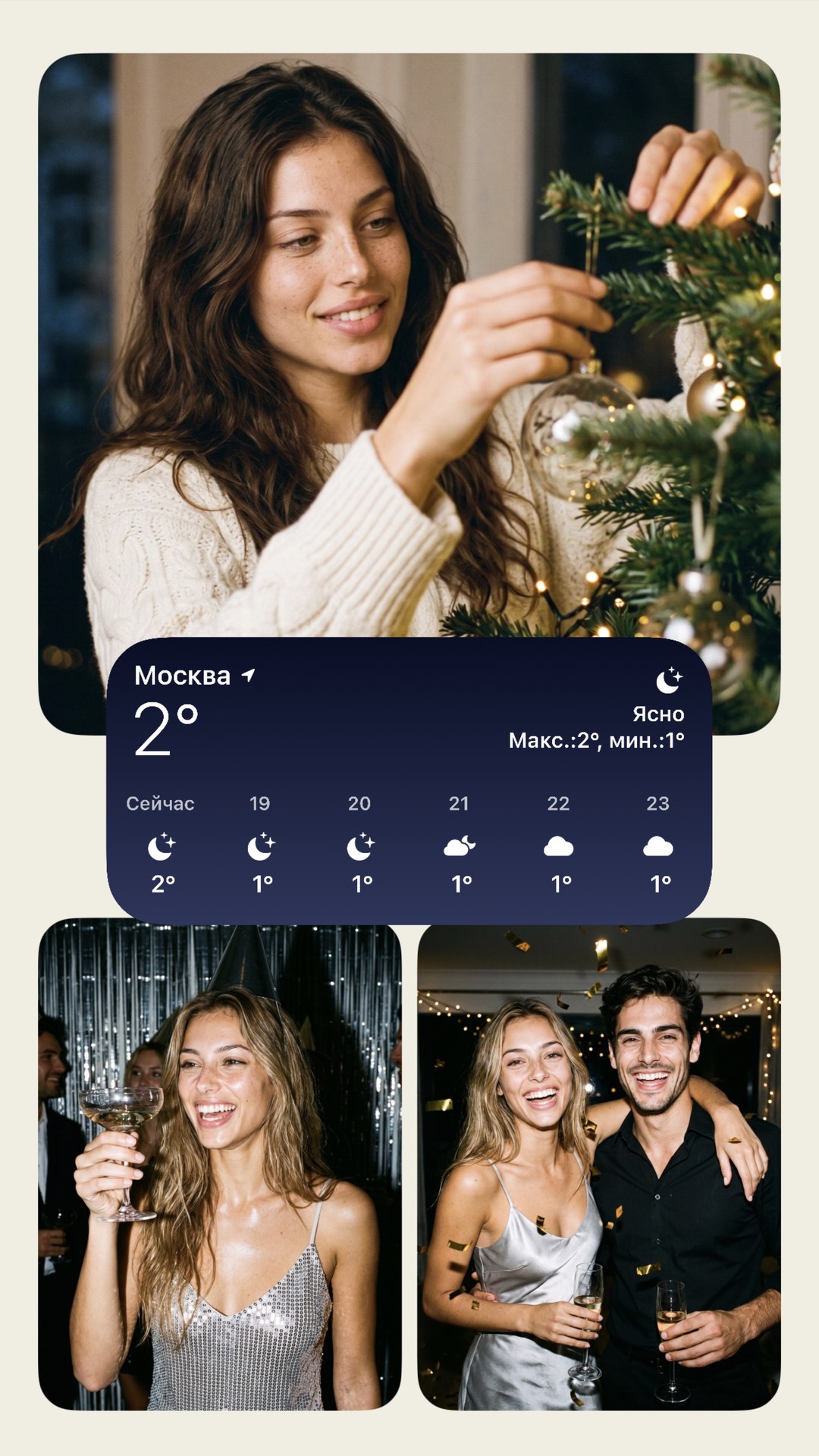 Three shots and the weather
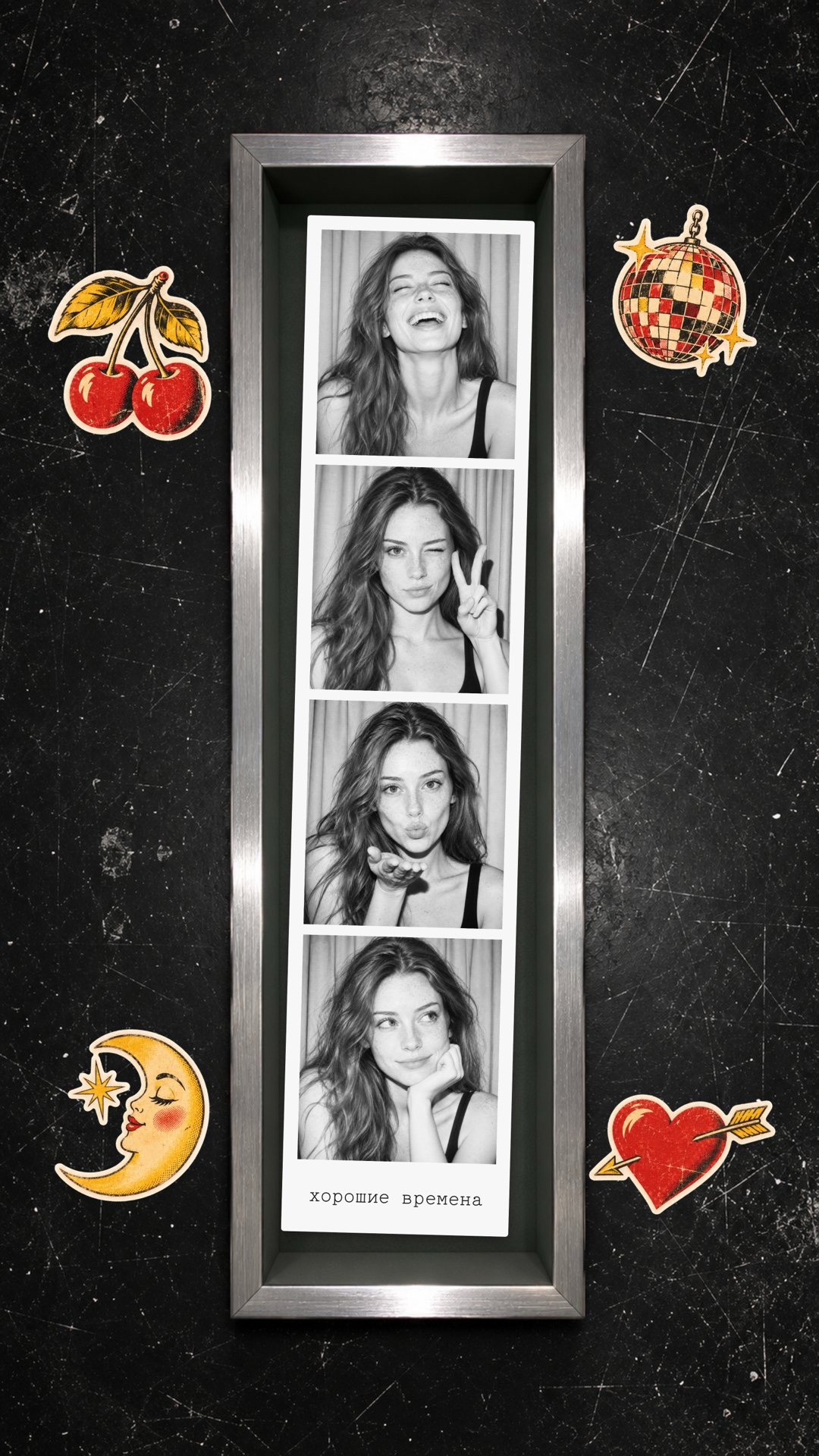 Photo booth in a frame
 Two columns
 Seven-photo mosaic
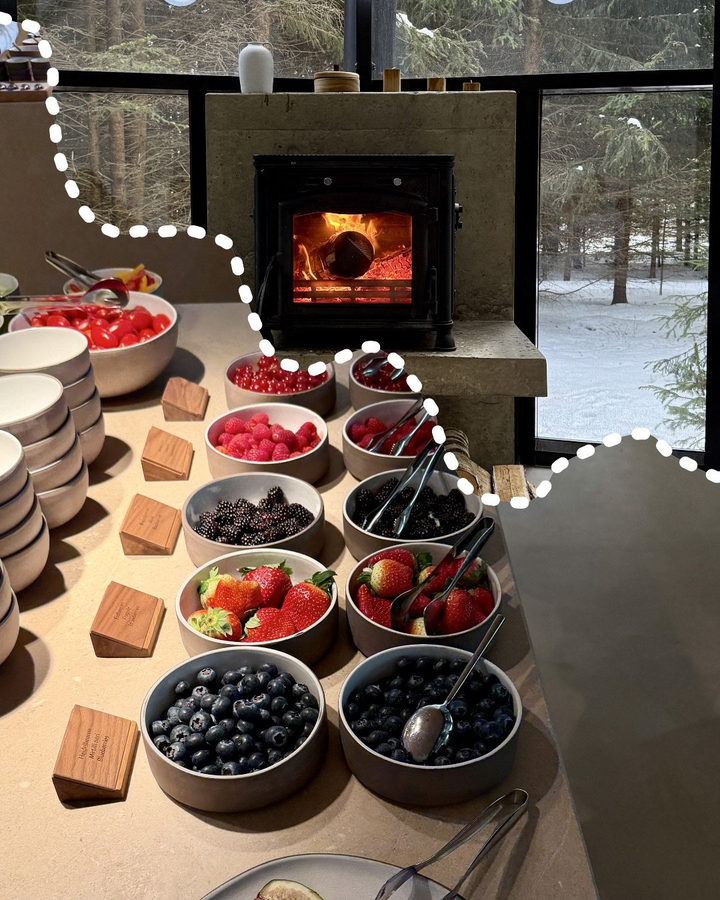 Wavy Collage
 9-photo grid
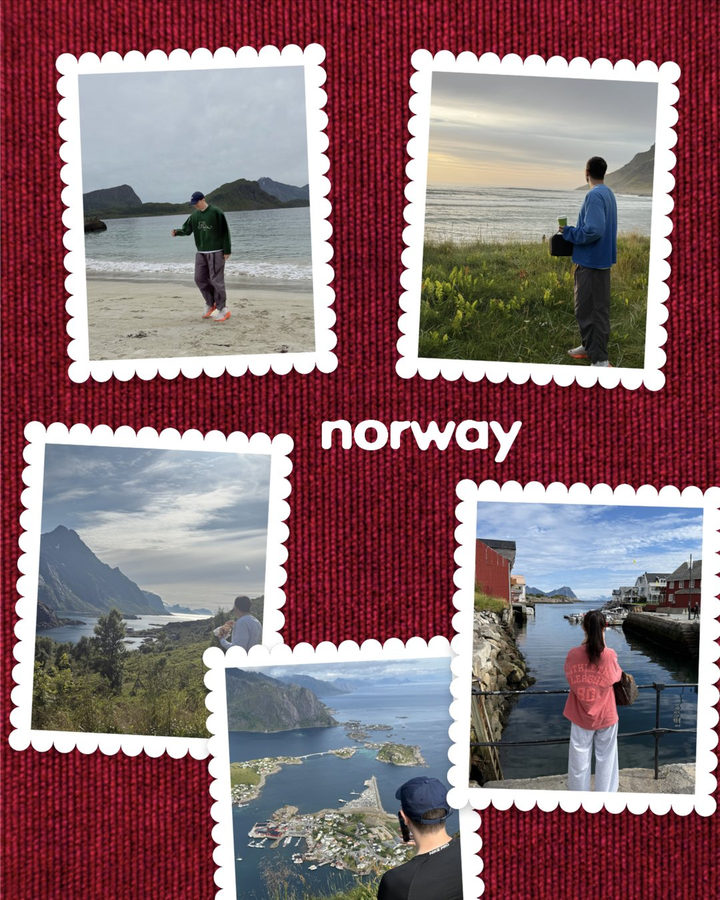 Photo stamps
 Soft triptych
 Fan
 My vibe