
Photo in words
Three big words, and inside the letters—your photo “Photo in words” is a free photo template in the Zebra app for iPhone. Add your photos and Zebra builds a finished design in seconds, ready for Stories, posts and chats.
How to use it
- Open the template in Zebra on your iPhone.
- Add your photo. Zebra fits it into the design automatically.
- Save it in full quality or share it to Stories and chats.
Templates are made in the free Zebra app for iPhone and iPad.
More templates
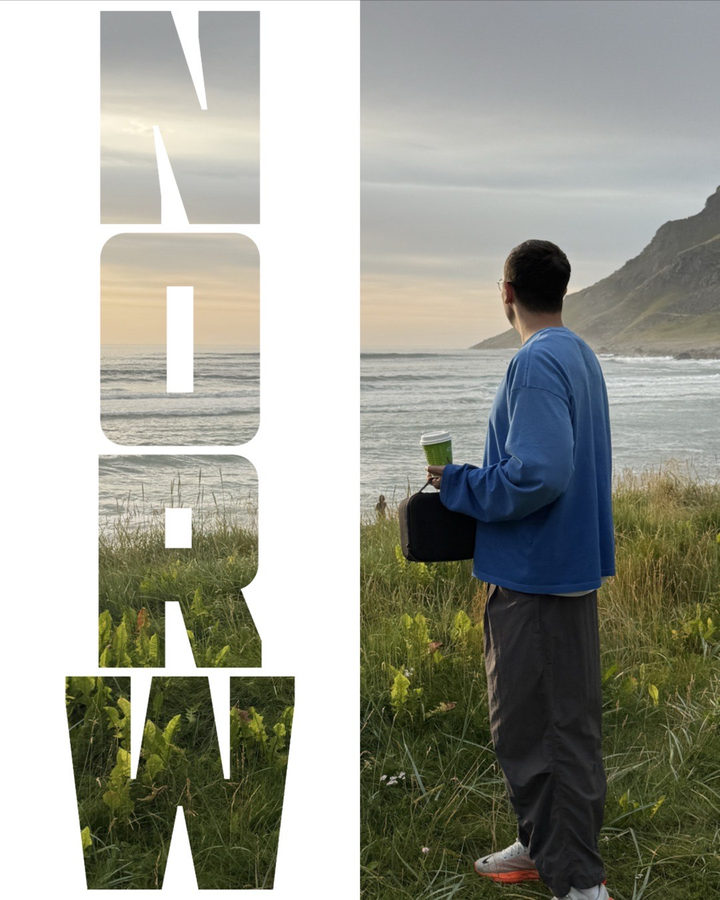 See-through letters
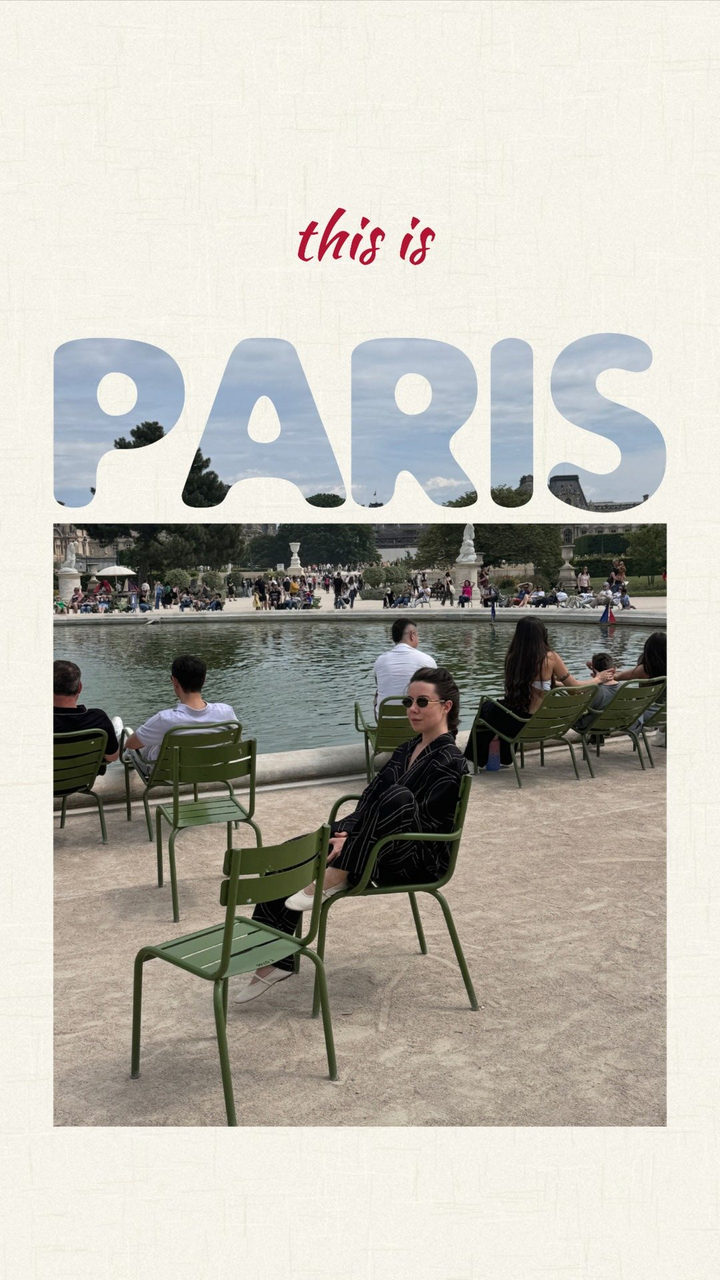 You and the city
 Find the word
 Glass Text
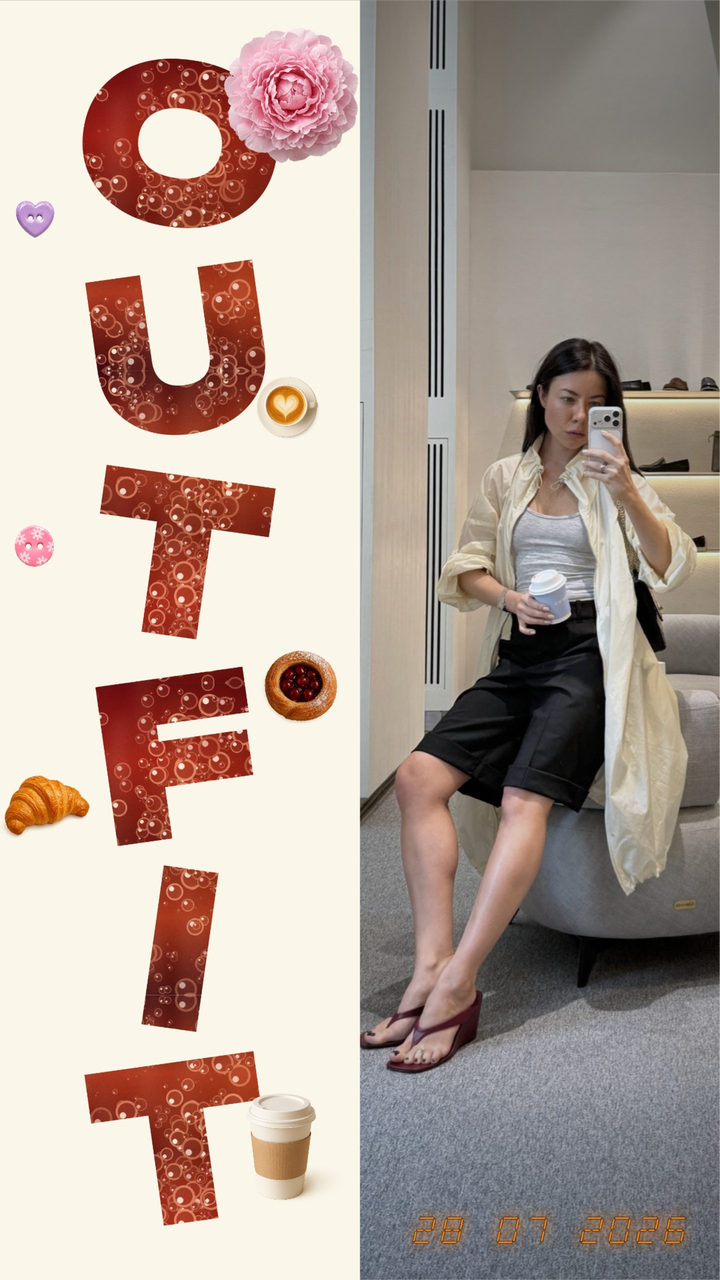 Look of the day
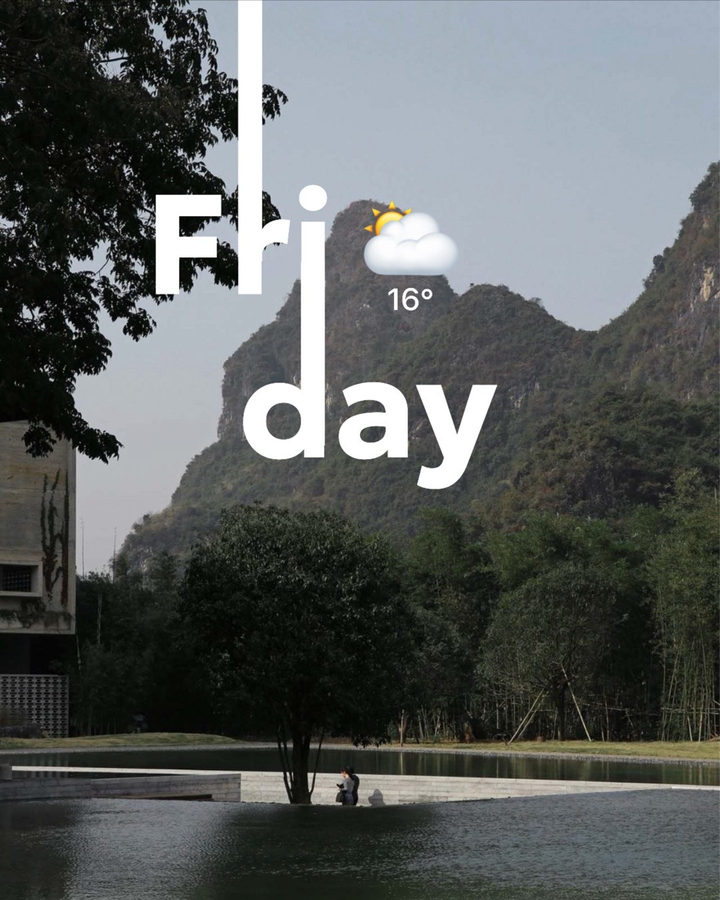 Line from a Letter
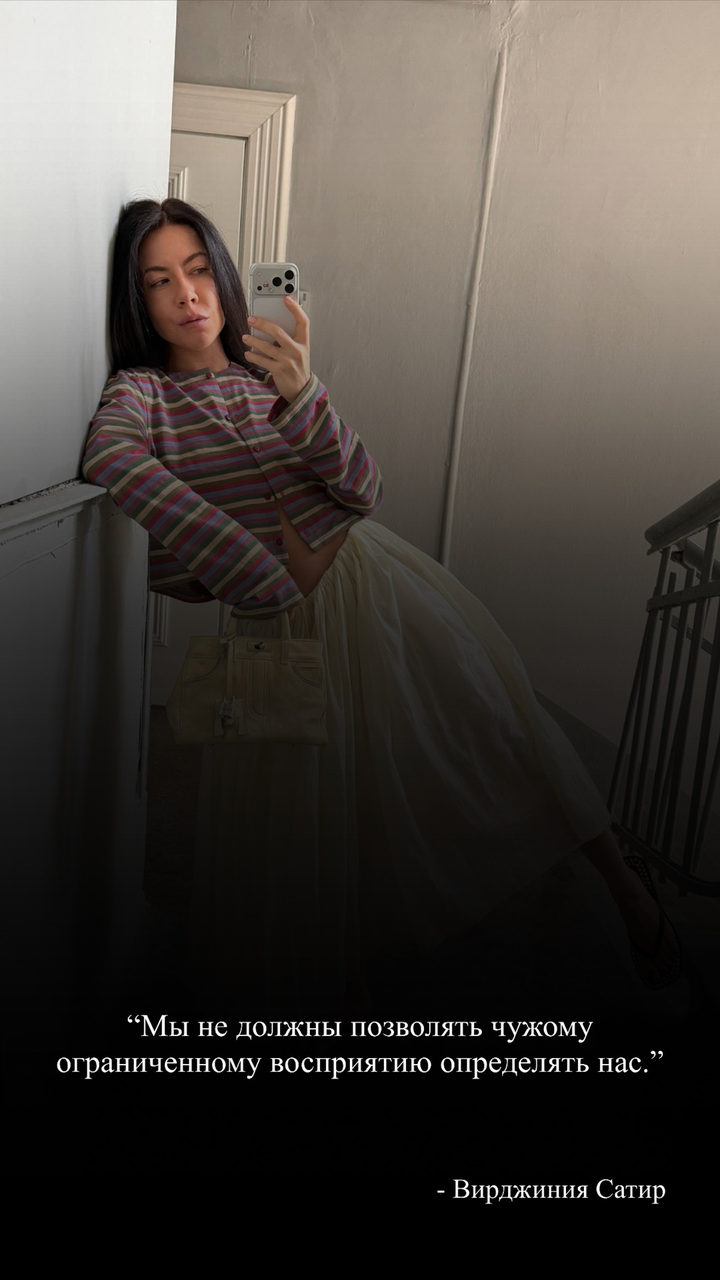 Quote
Quote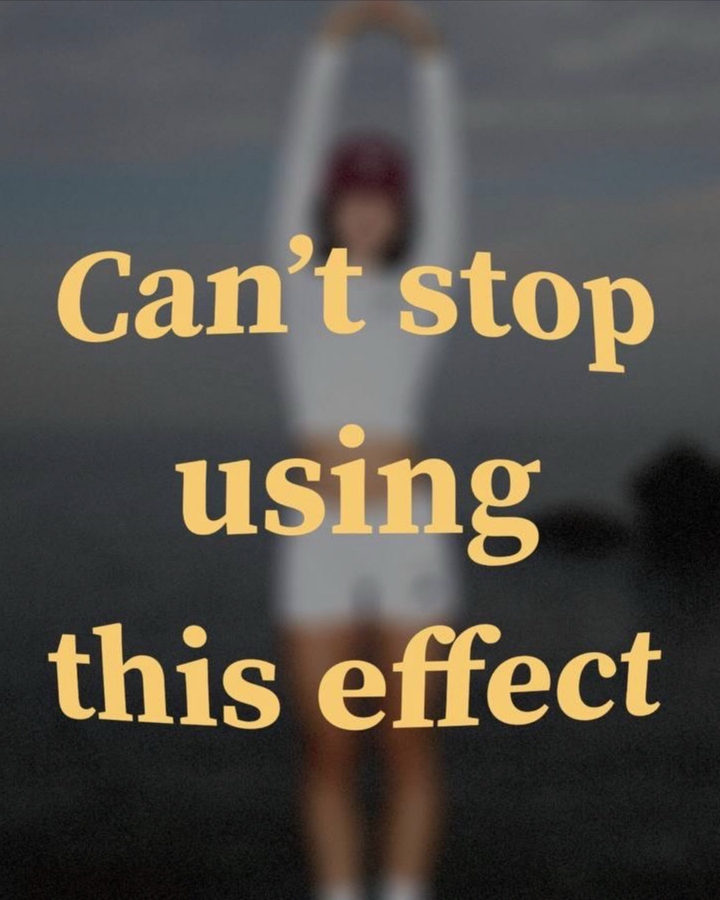 Raised Text
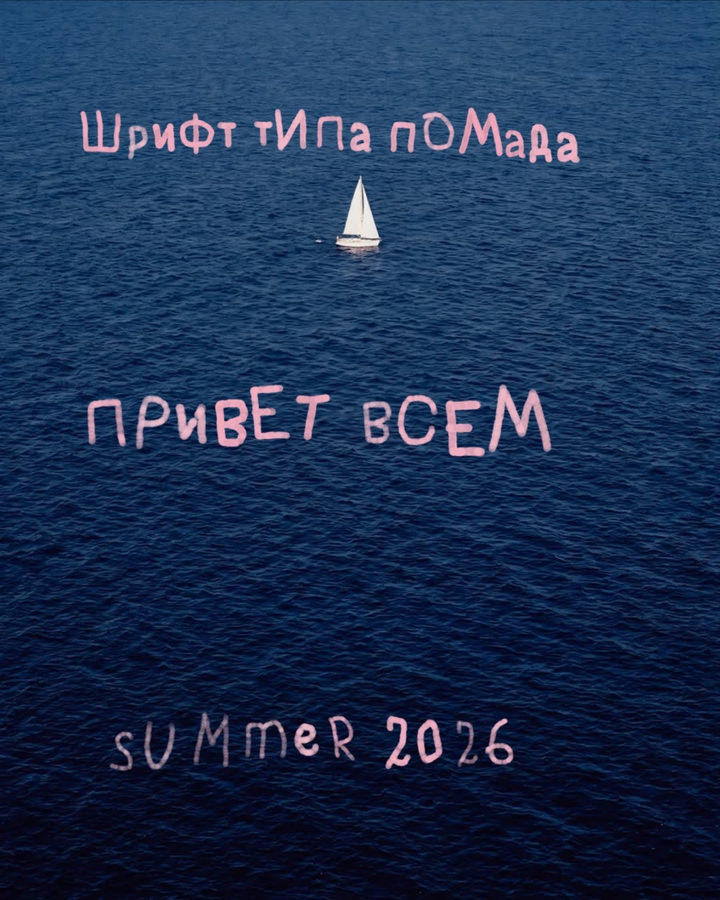 Lipstick text
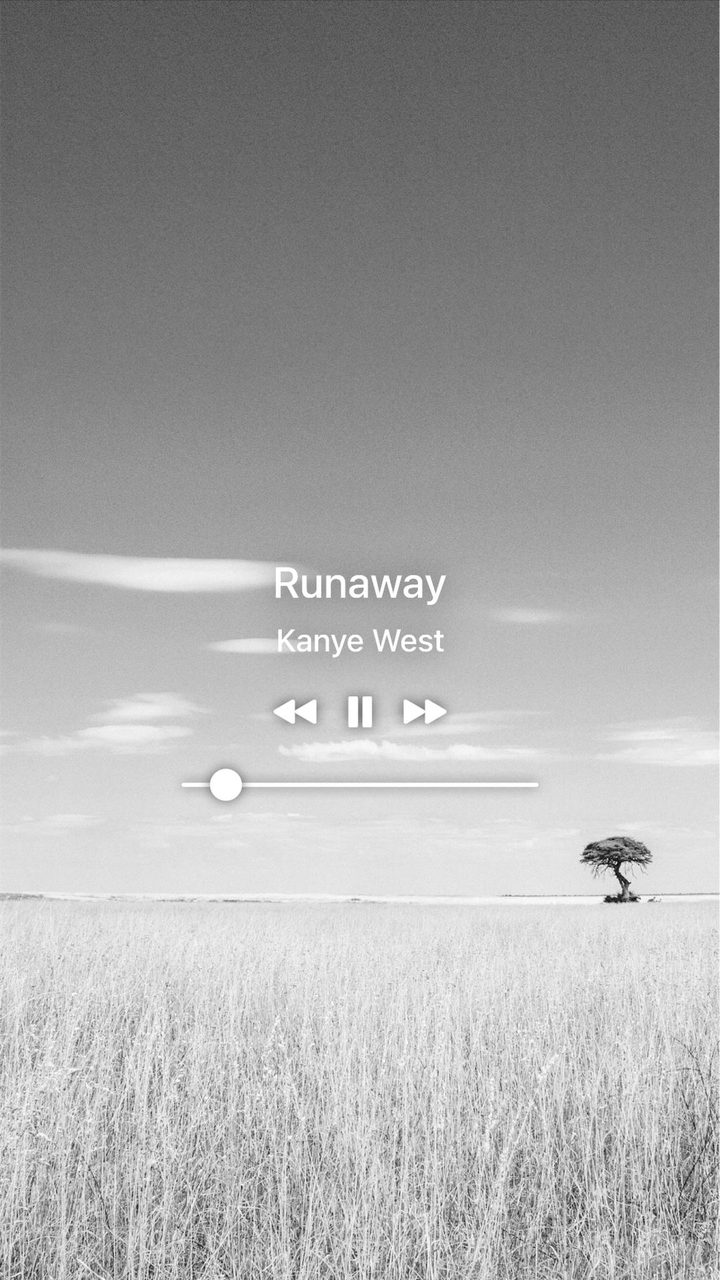 Now playing
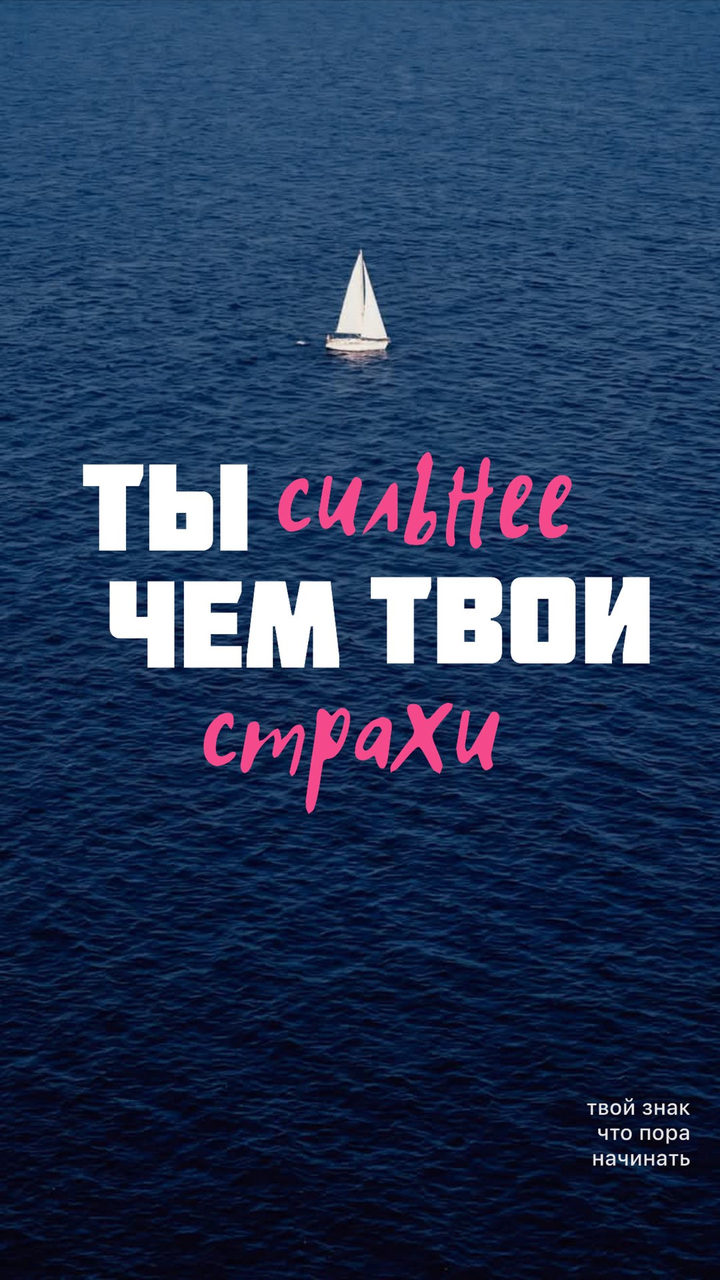 You are stronger than your fears
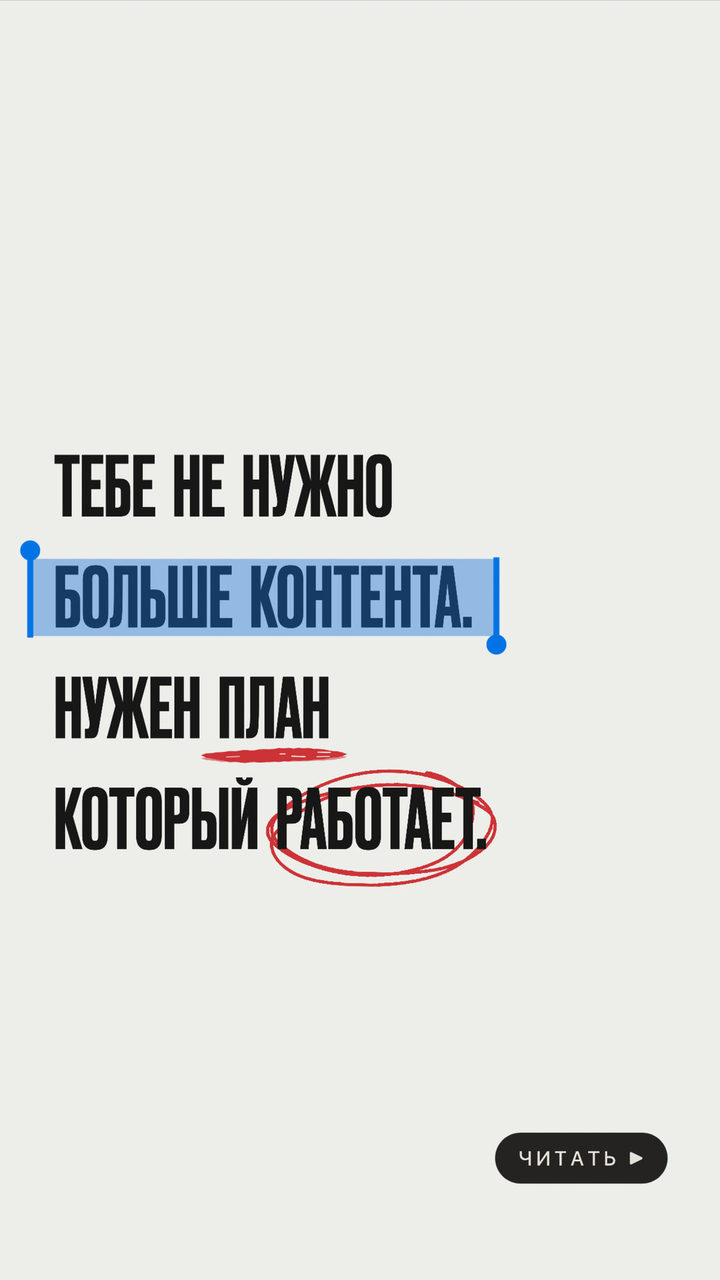 Selected text