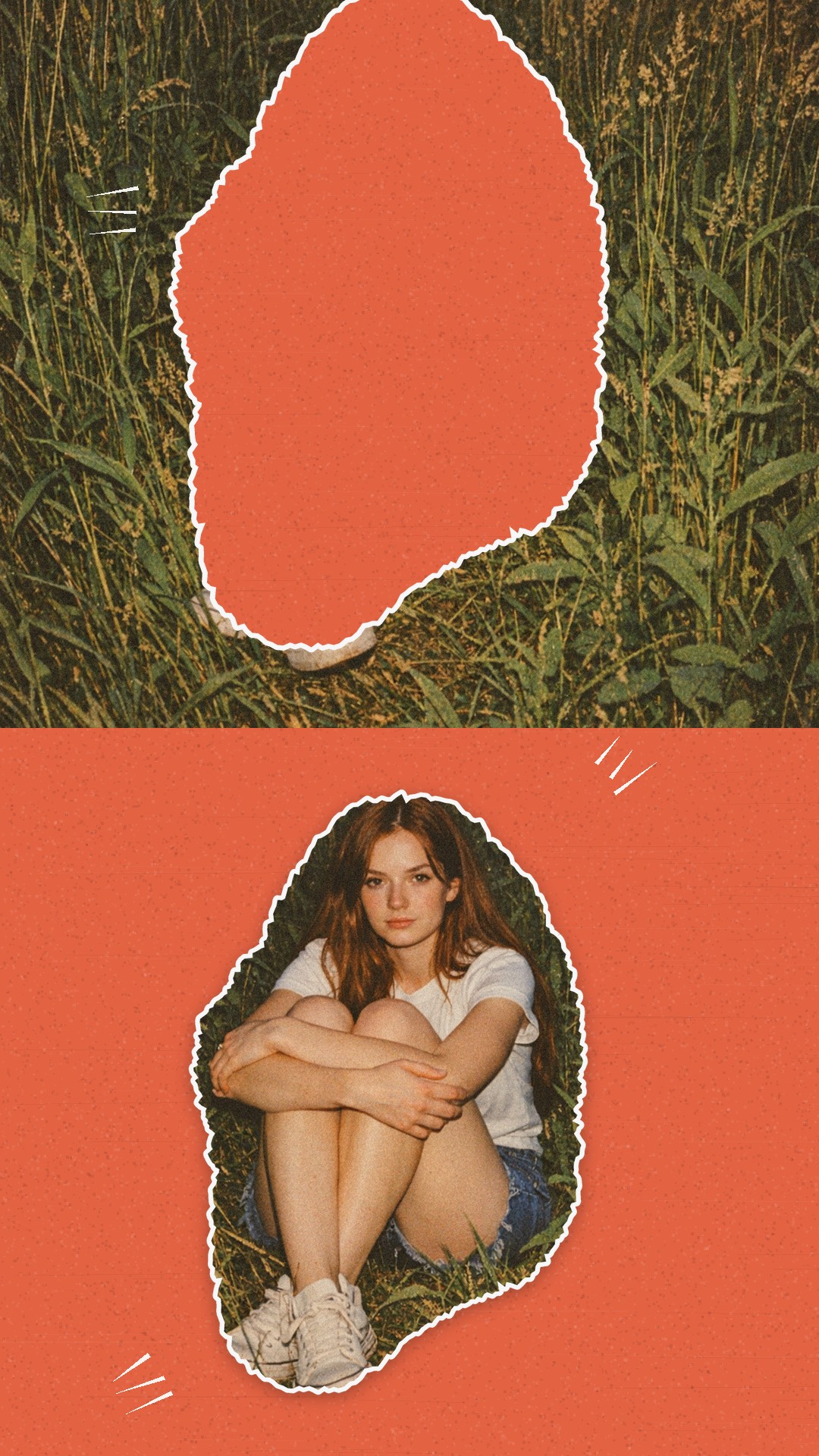
Color Cutout
You're cut out of the photo on a bright background “Color Cutout” is a free photo template in the Zebra app for iPhone. Add your photos and Zebra builds a finished design in seconds, ready for Stories, posts and chats.
How to use it
- Open the template in Zebra on your iPhone.
- Add your photo. Zebra fits it into the design automatically.
- Save it in full quality or share it to Stories and chats.
Templates are made in the free Zebra app for iPhone and iPad.
More templates
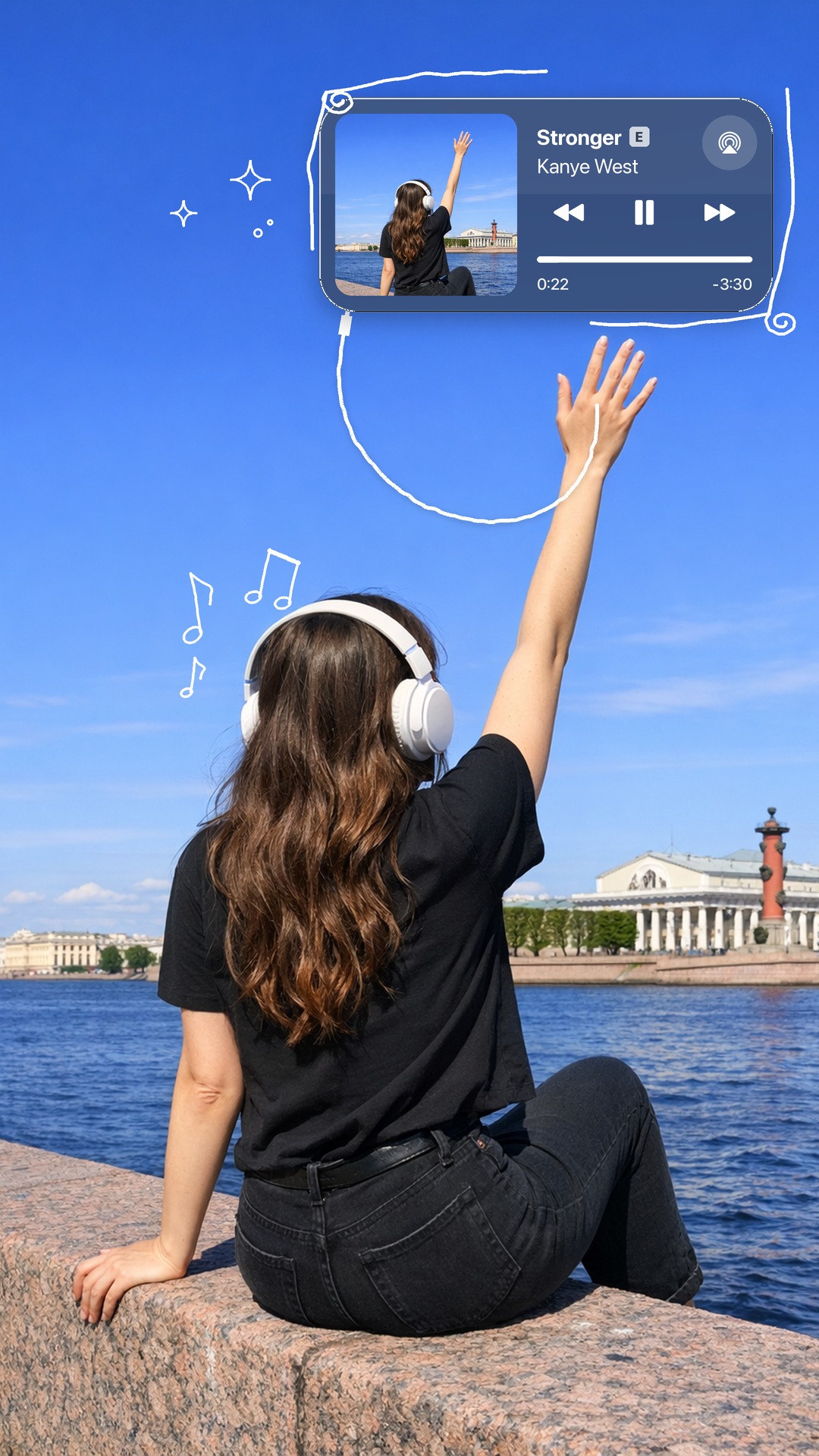 Player in the sky
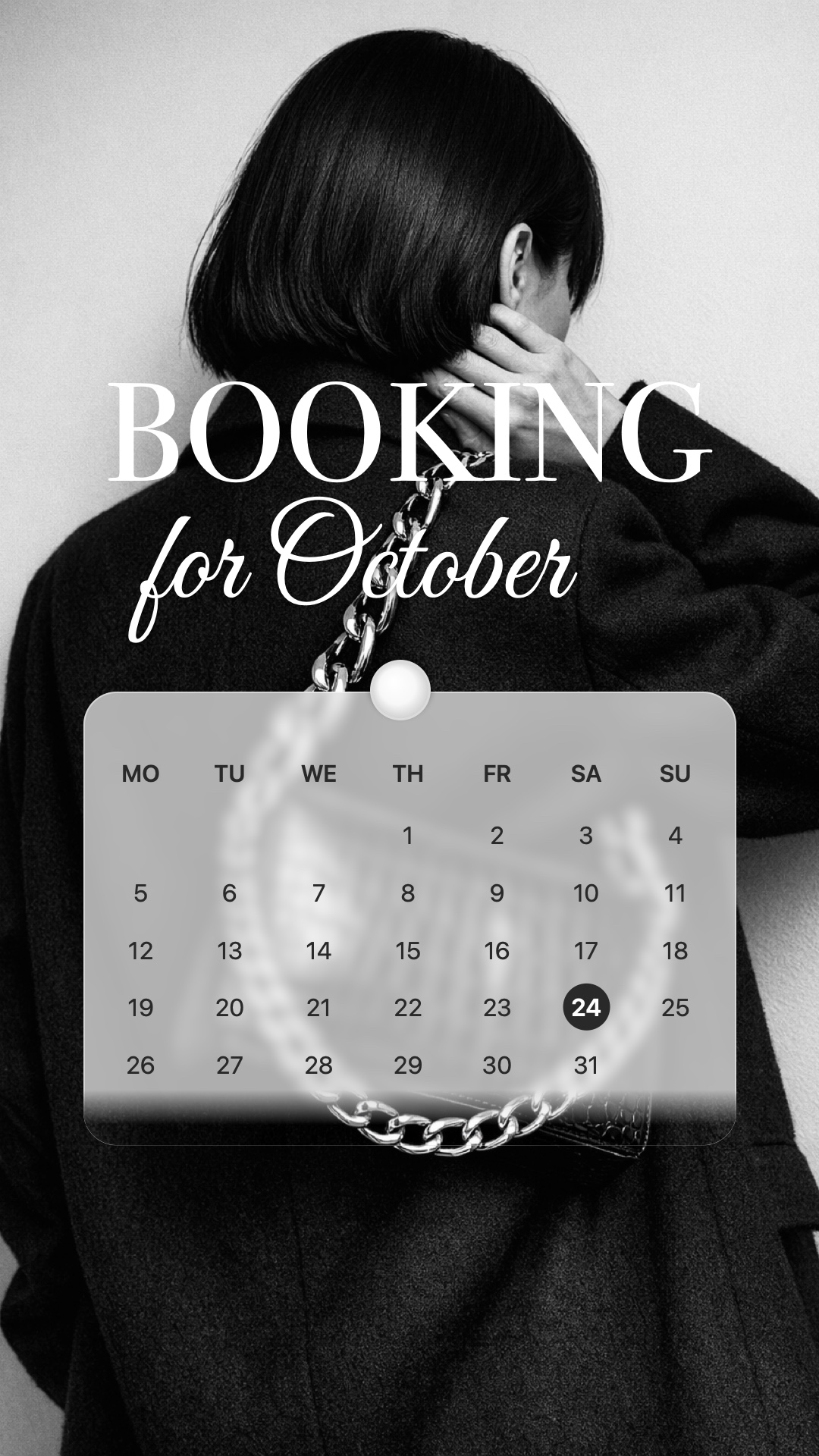 A month of memories
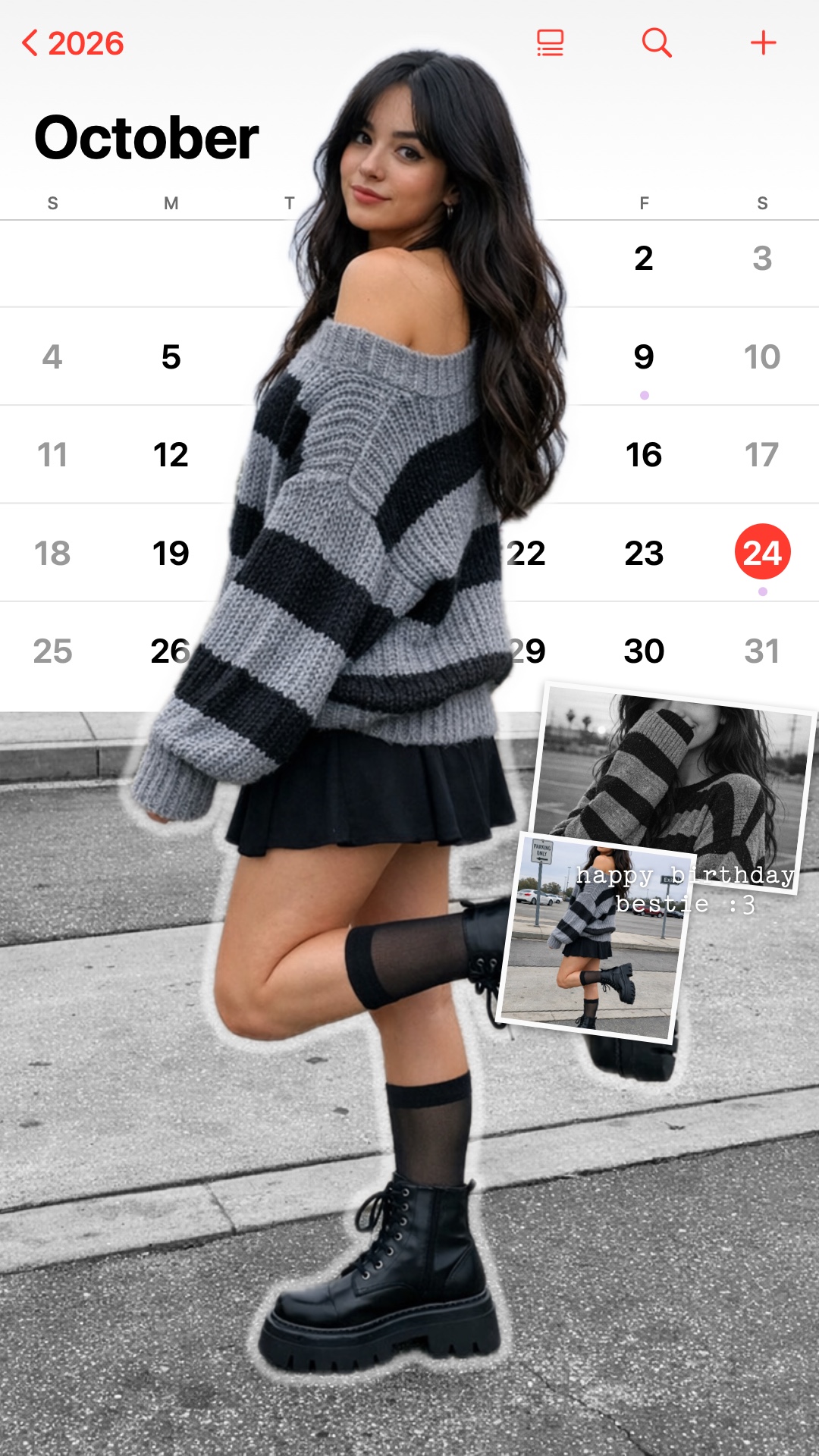 Cutout calendar
 Film Light Leak
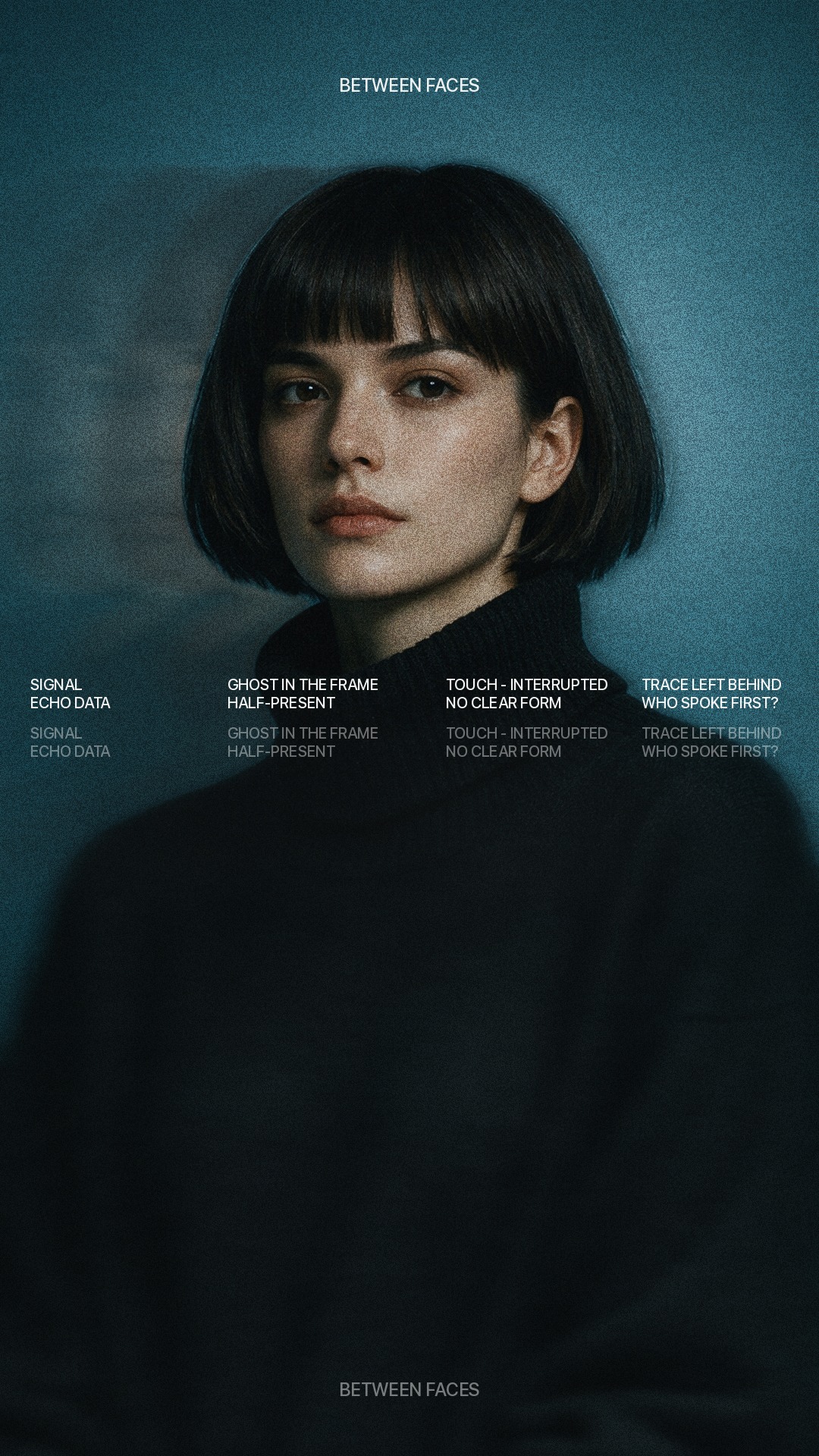 Portrait Echo
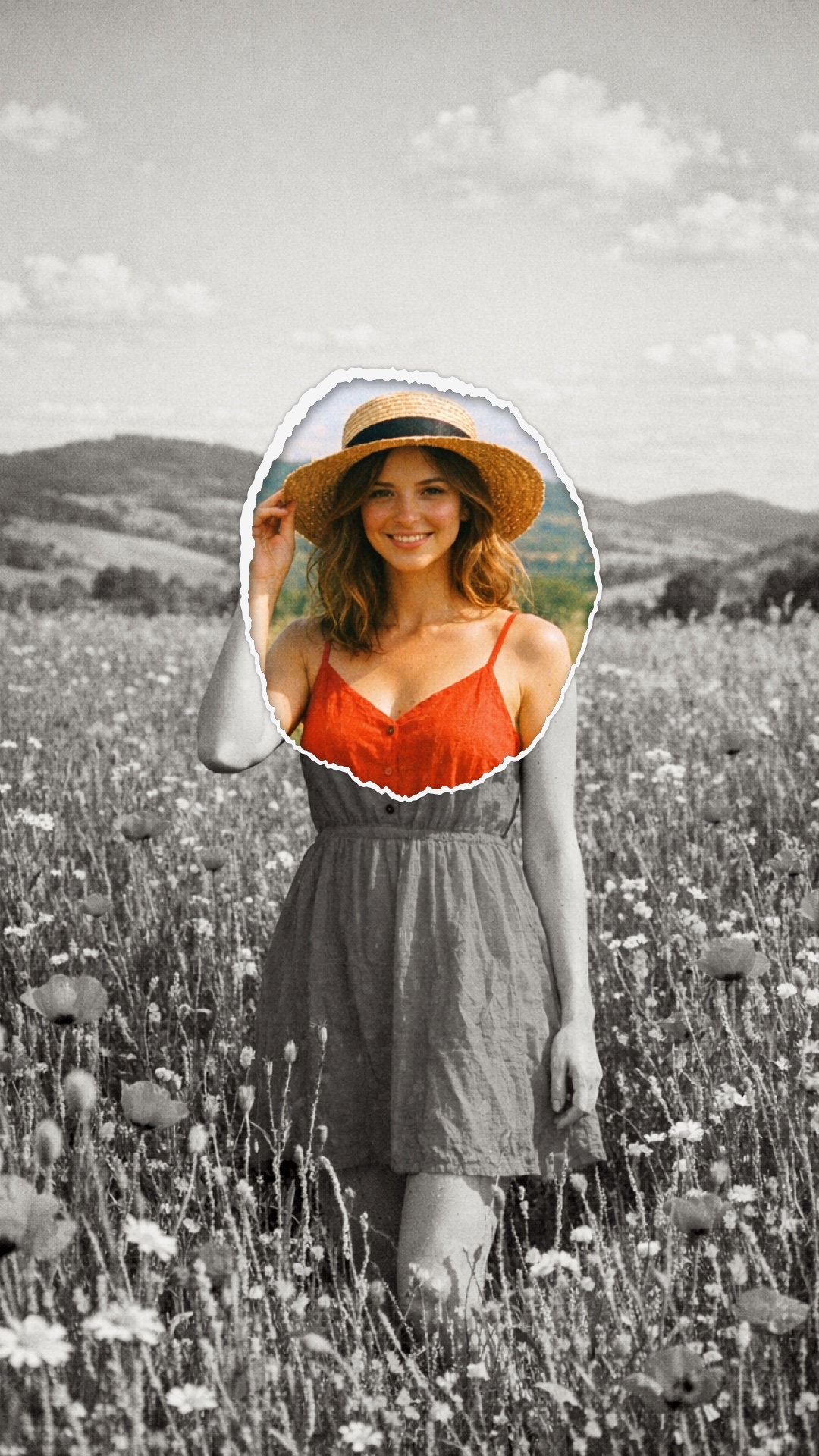 A window into color
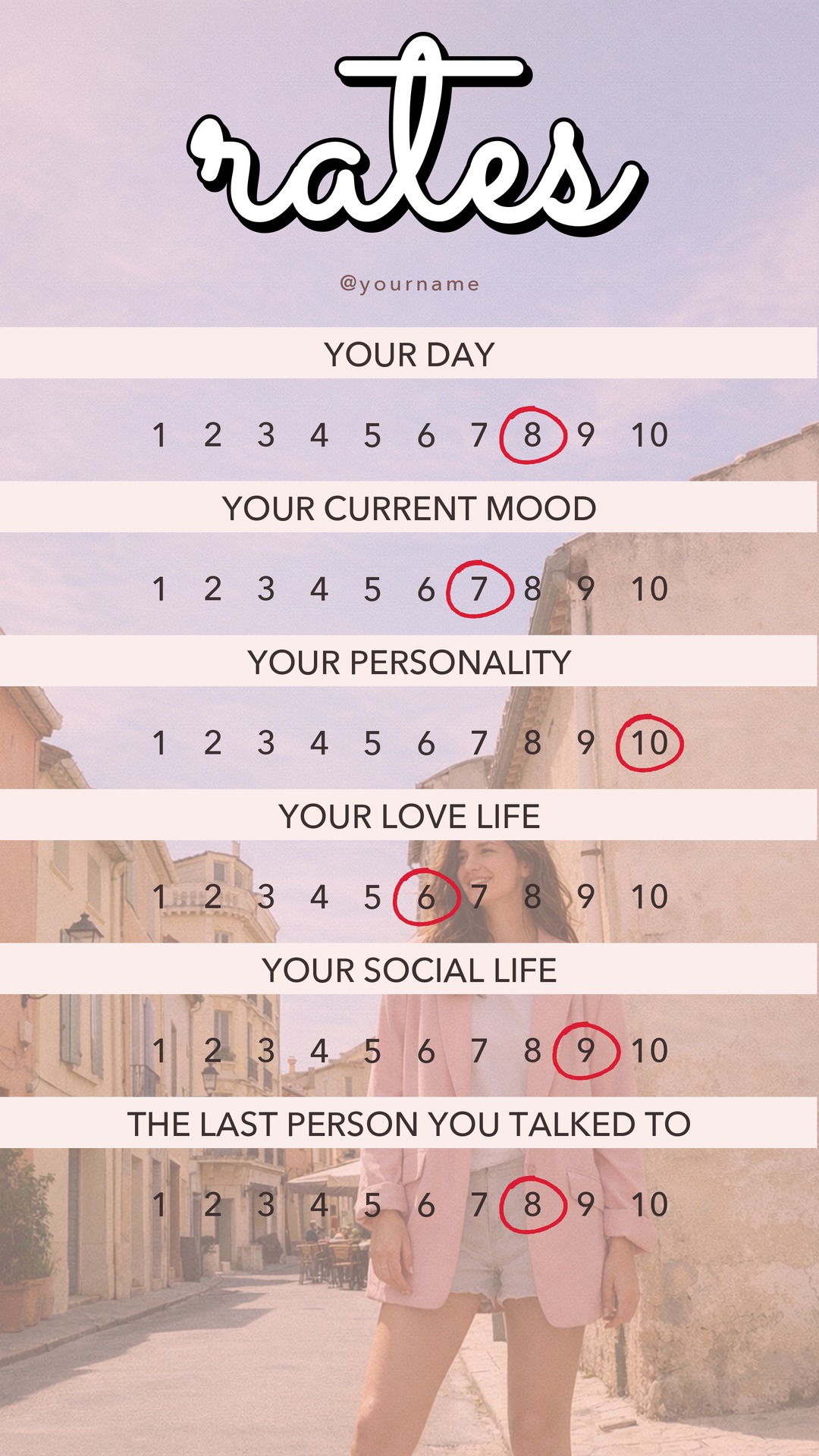 Rate on a scale
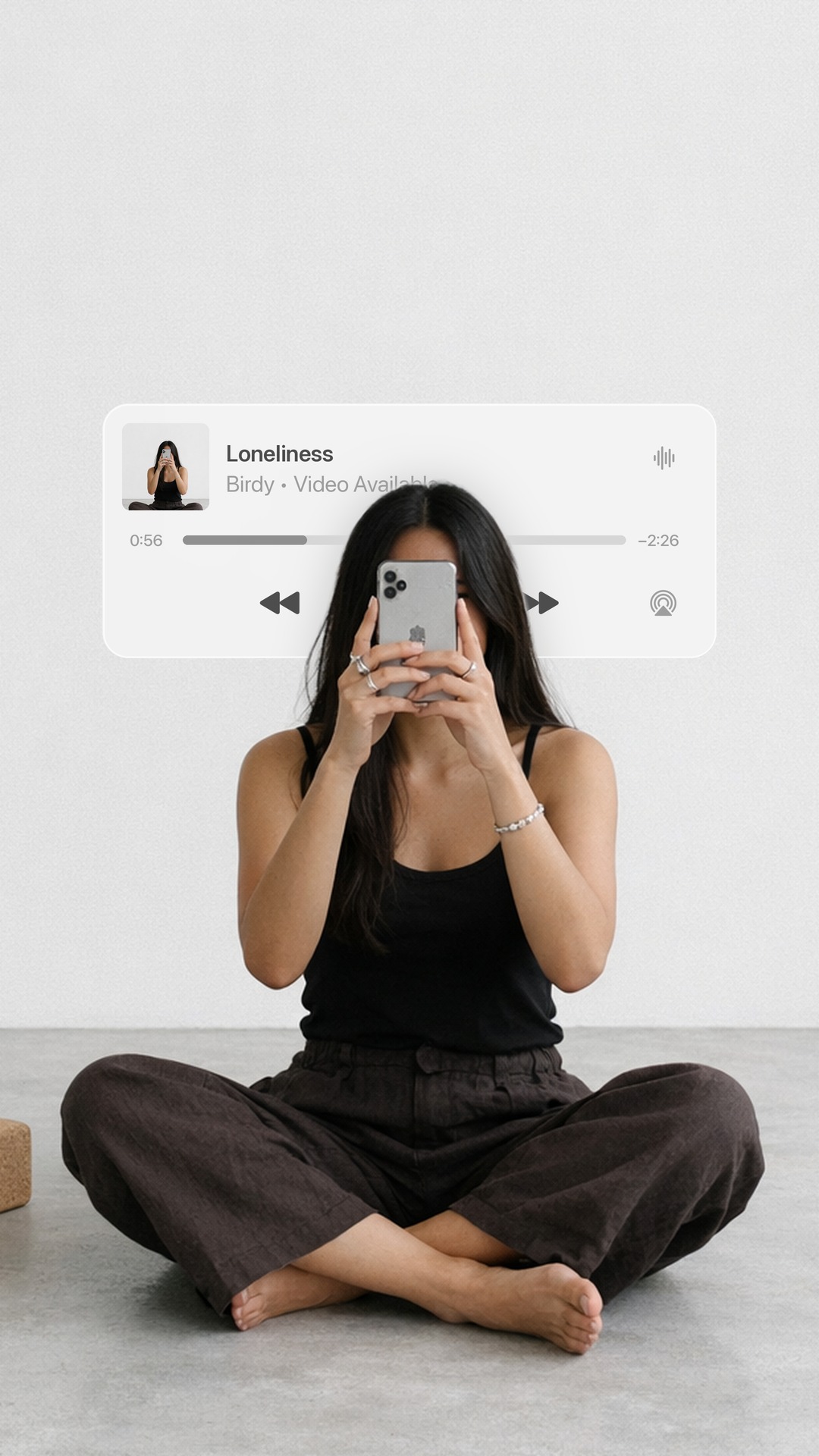 Glass player
 B&W Stripe
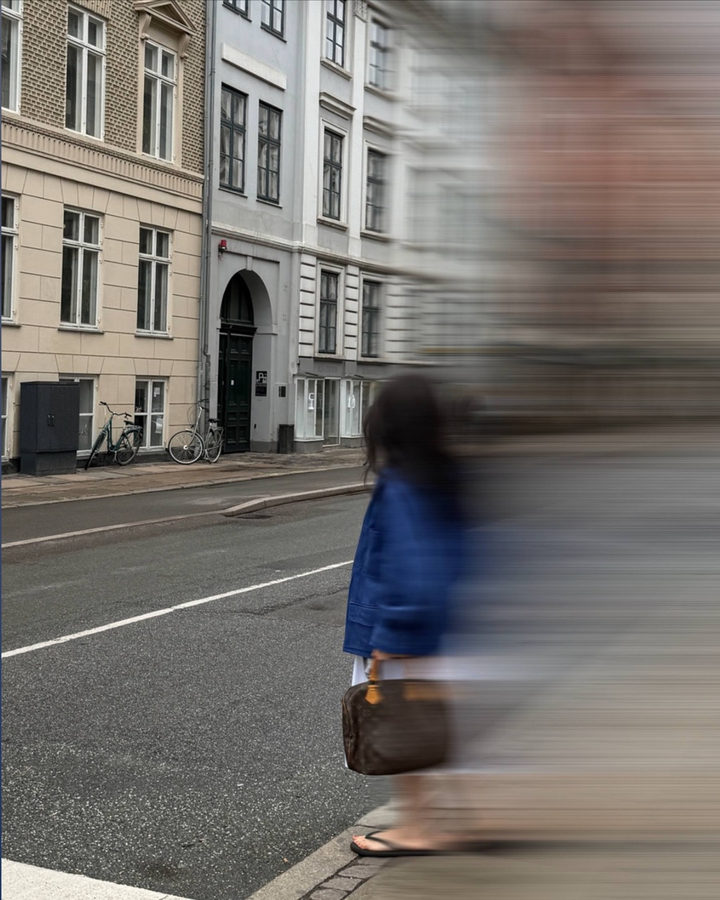 Motion Blur
 Motion blur
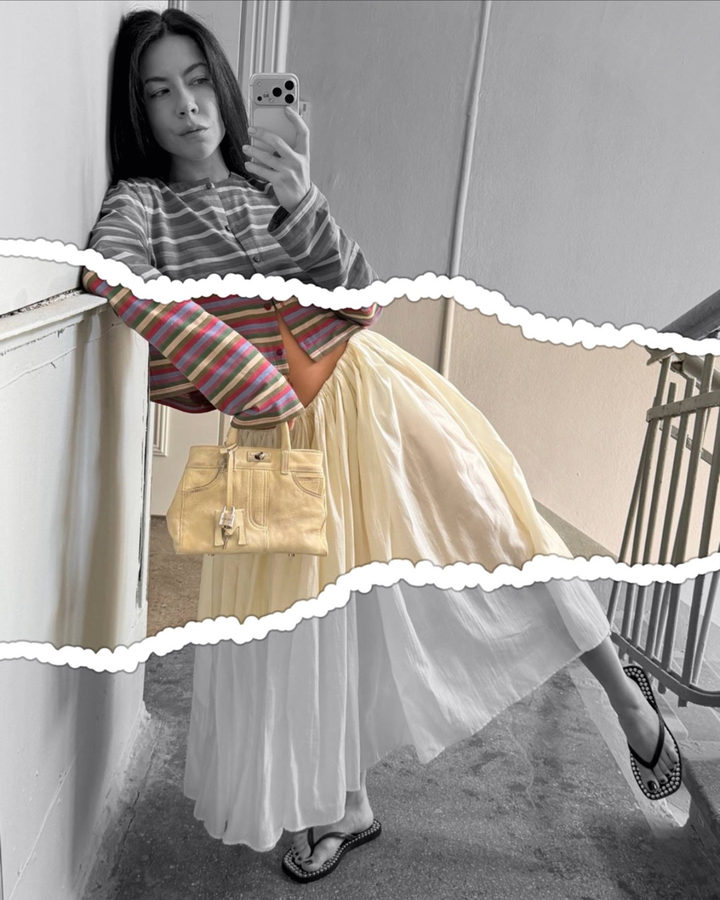 Color Strip