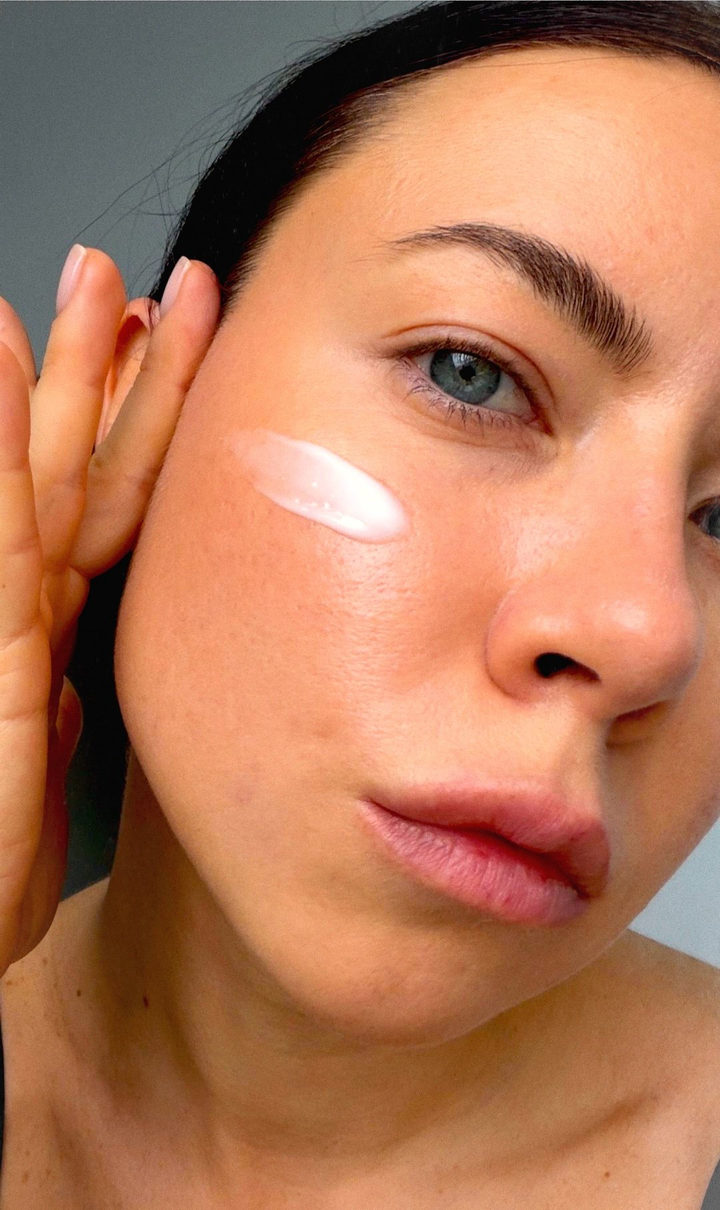
Nashville
Nashville look: warm peachy light, blue in the shadows, vintage Instagram-style grading. Tap Apply, choose a photo, and open Layers.
How to use it
- Open the template in Zebra on your iPhone.
- Add your photo. Zebra fits it into the design automatically.
- Save it in full quality or share it to Stories and chats.
Templates are made in the free Zebra app for iPhone and iPad.
More templates
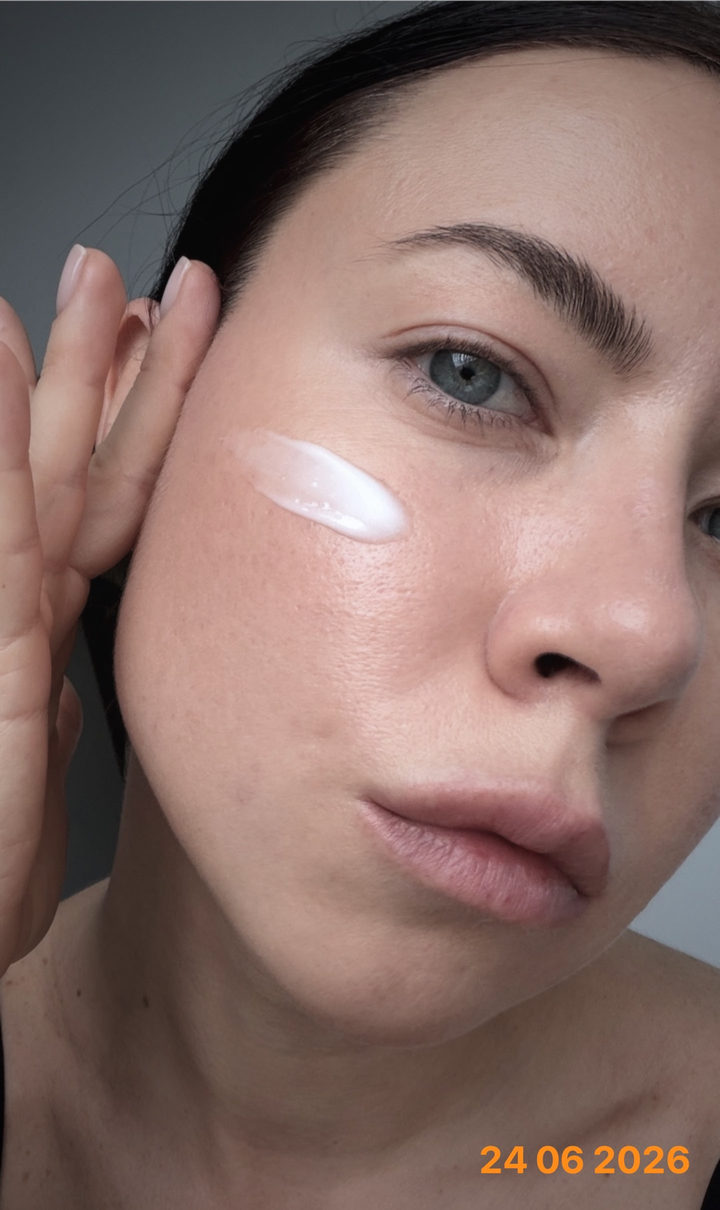 Chronicle
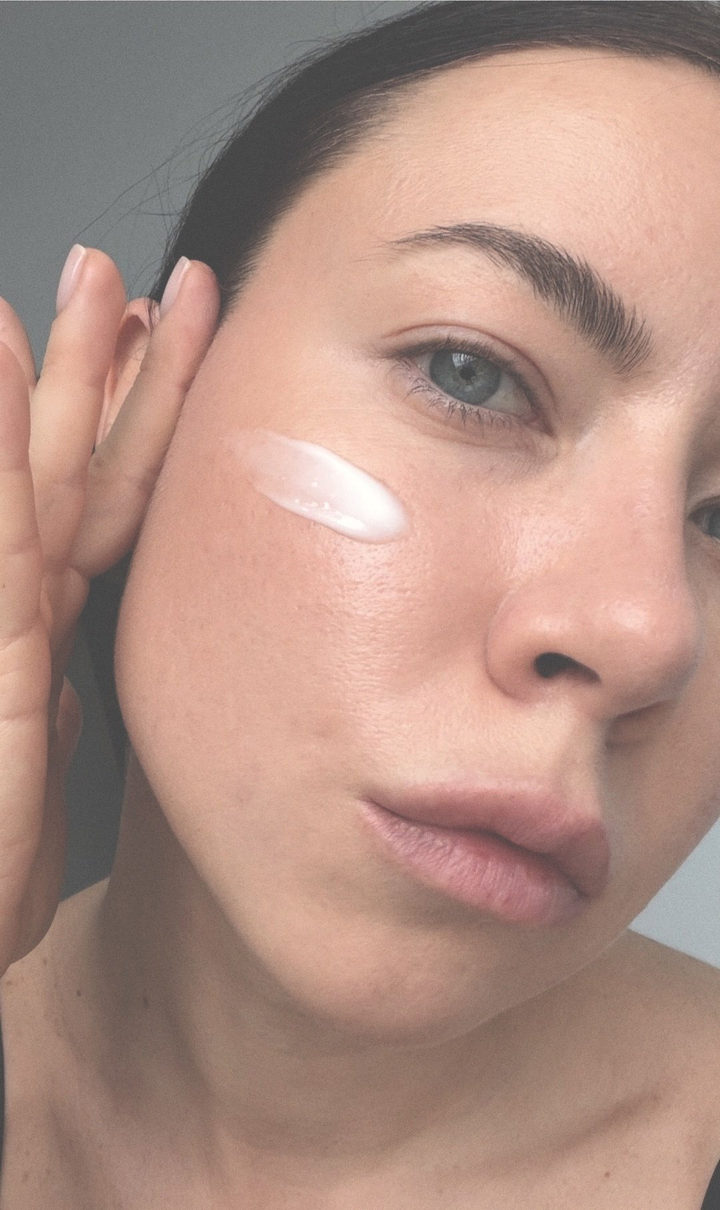 Reyes Dusty
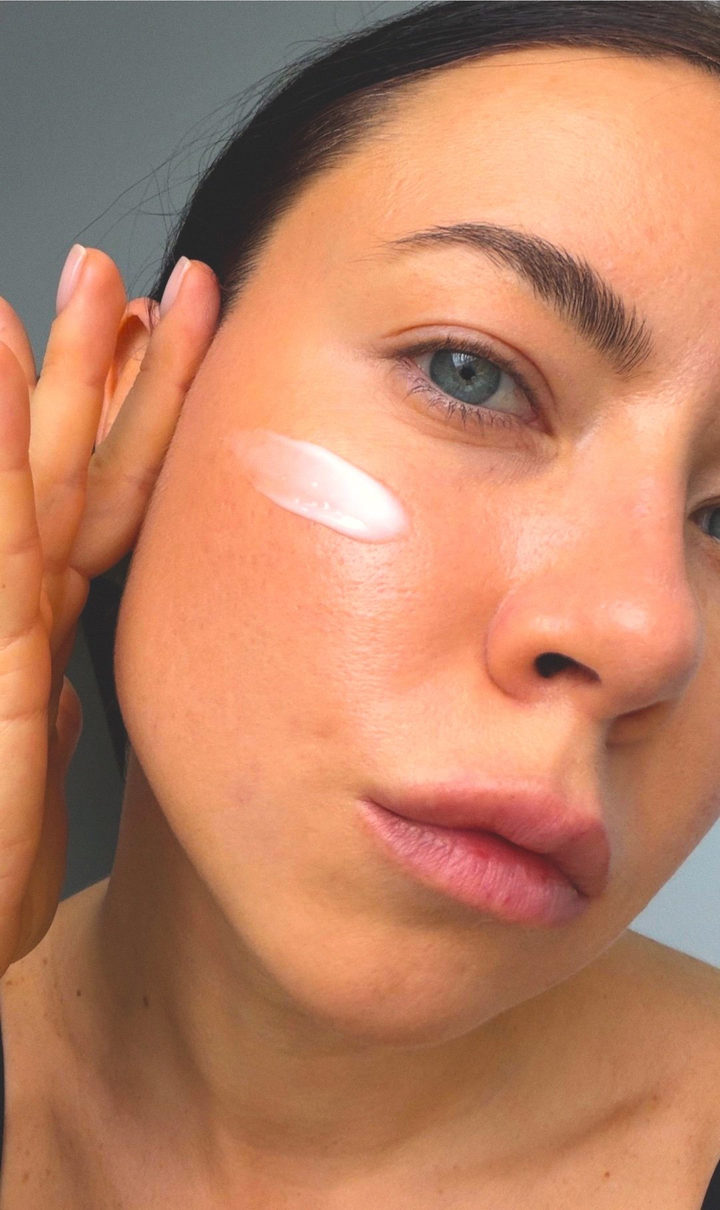 1977 Pink Fade
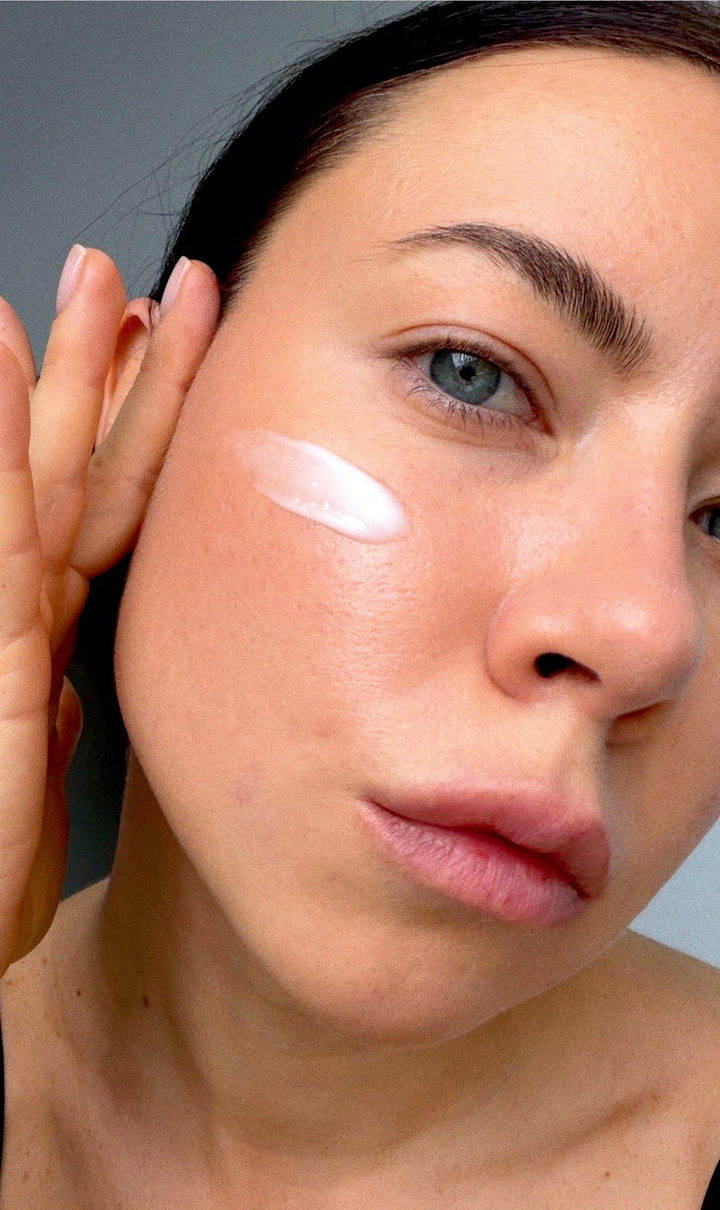 Fuji Superia
 Poster
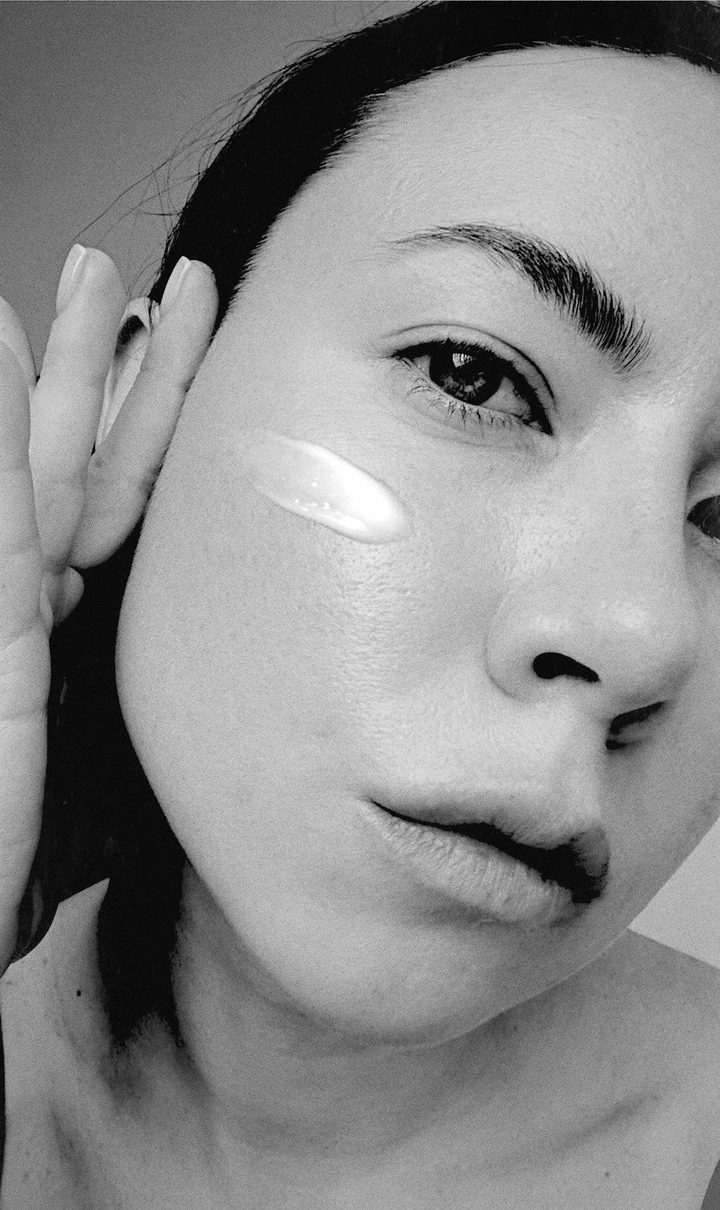 Ilford HP5 B&W
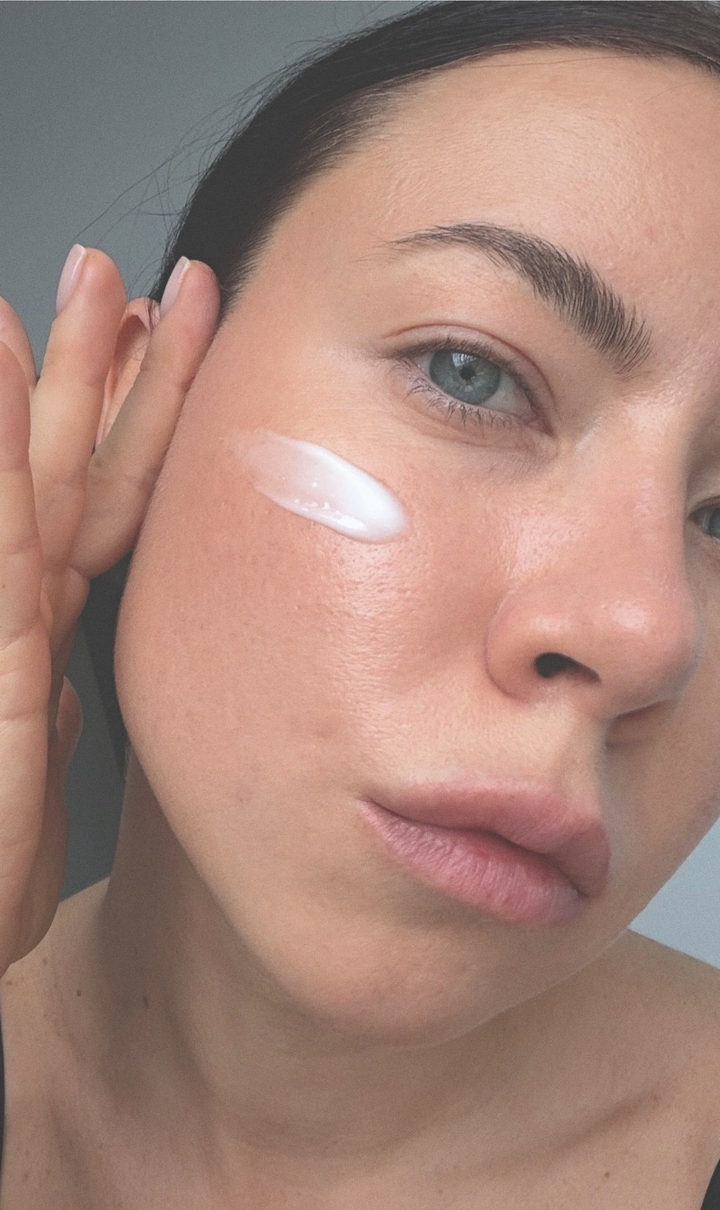 Fuji Pro 400H
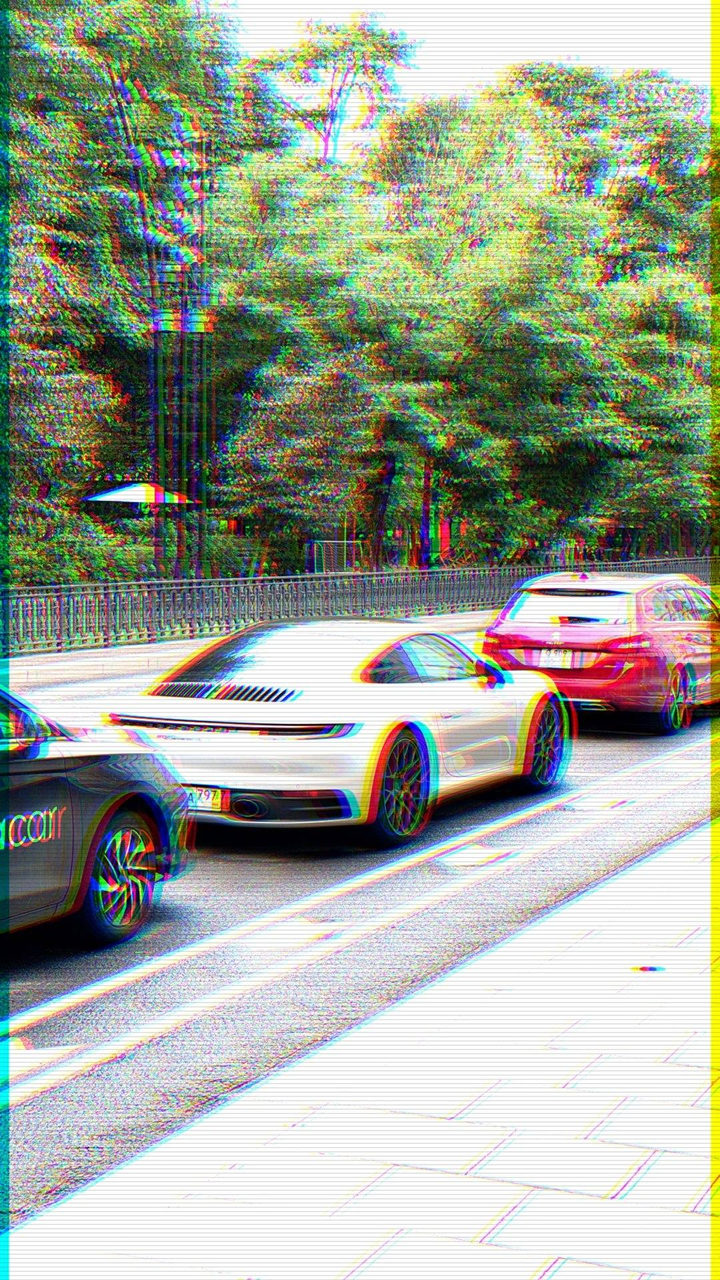 VHS
VHS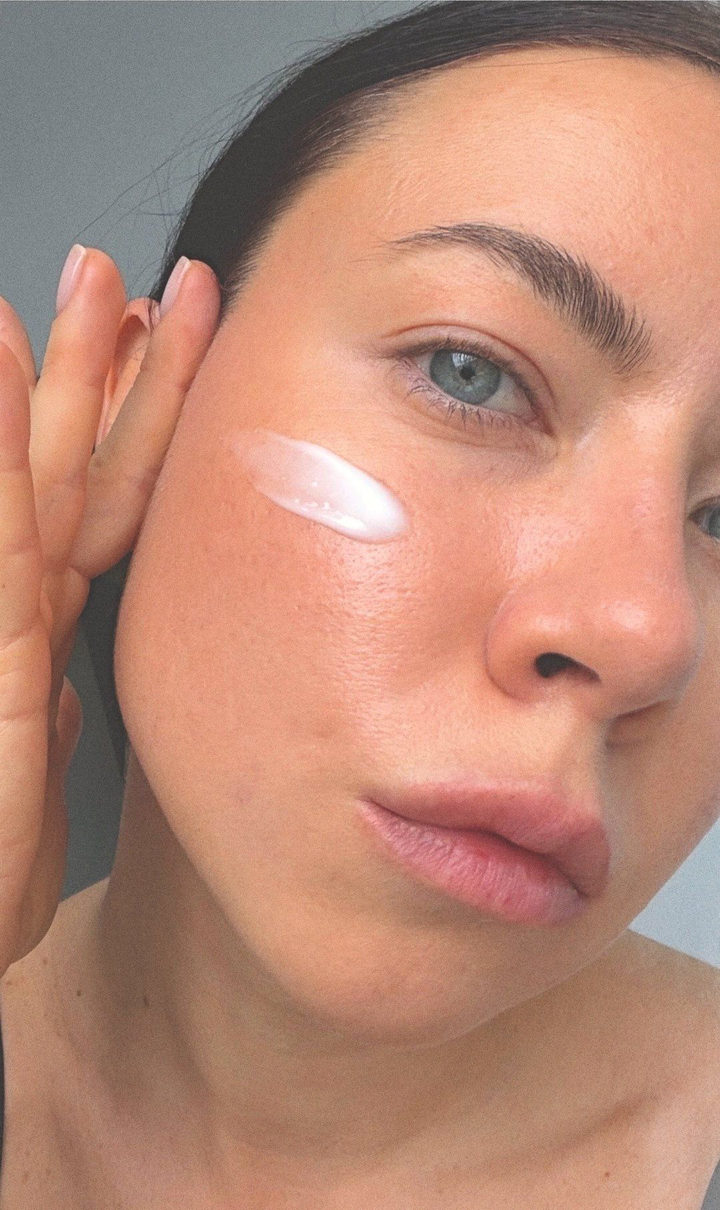 Portra 400
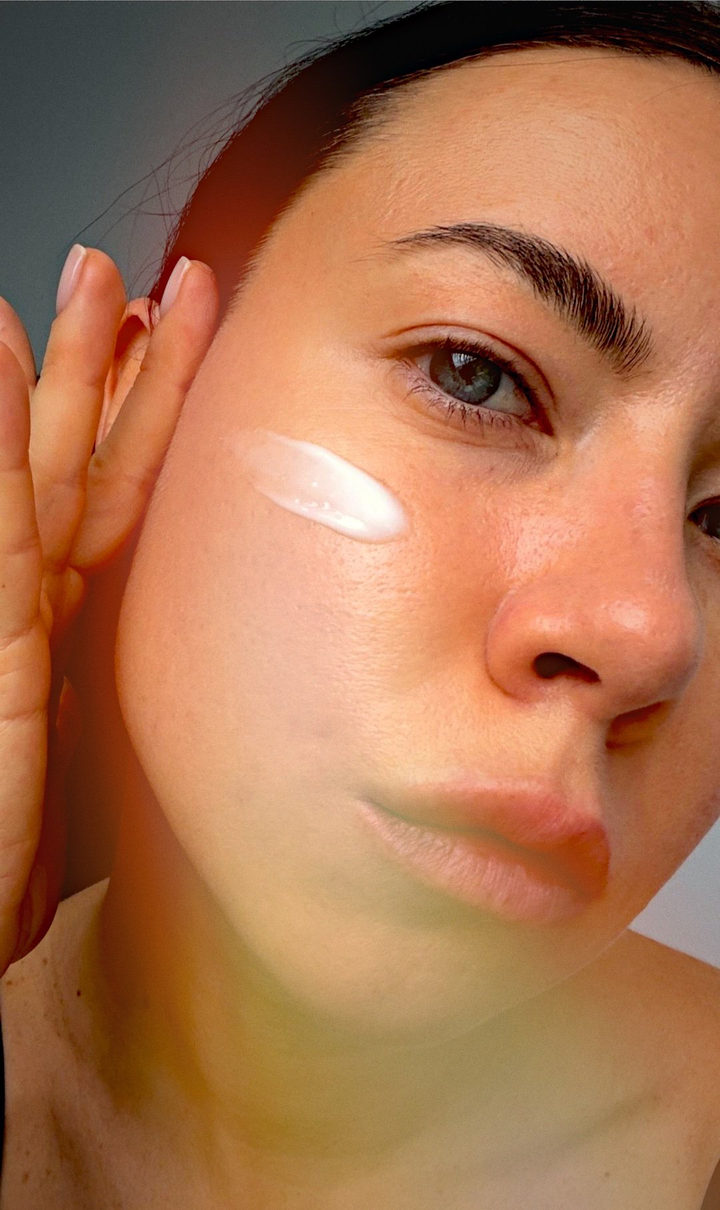 Golden Hour Film
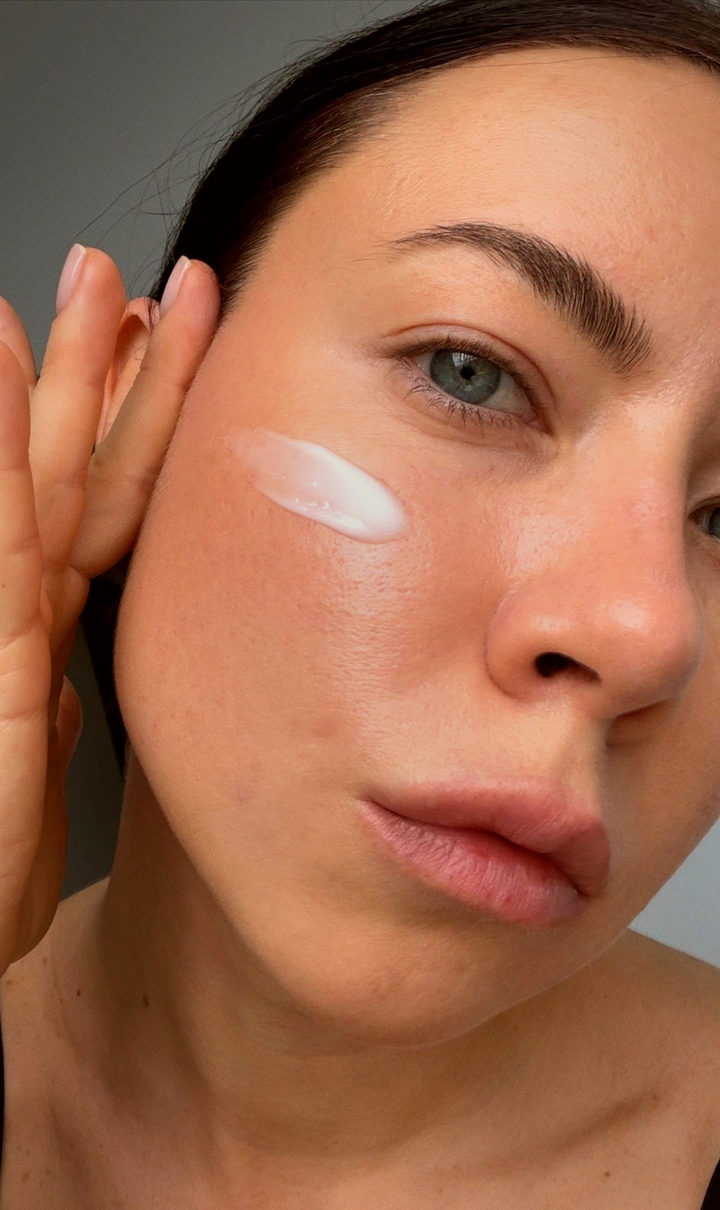 Warm Film
 Polygons