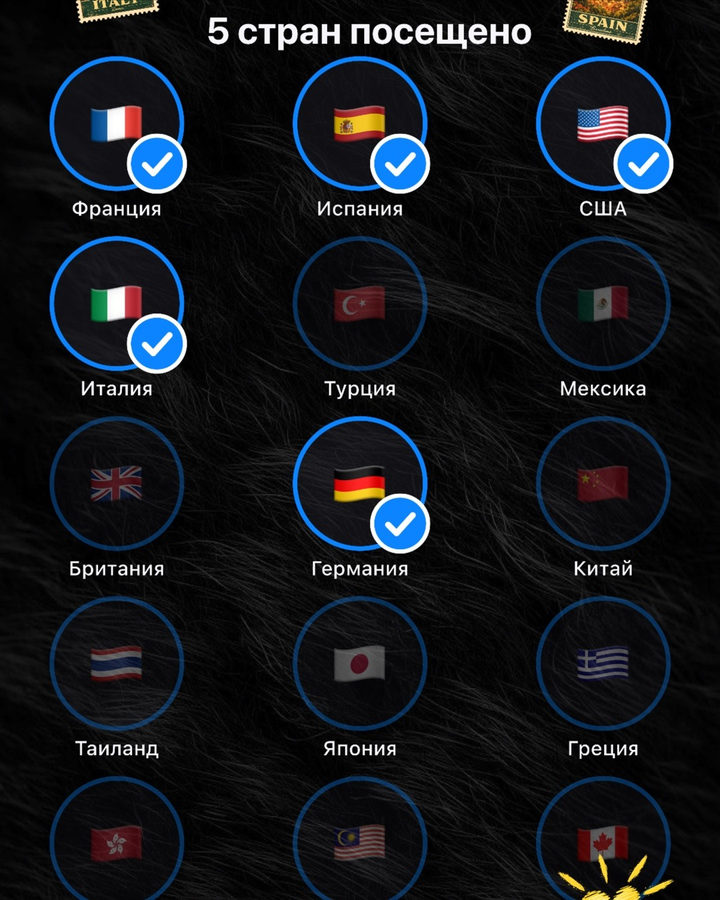
Countries I've been to
Your travel map in a minimal style. Tap a circle and add a photo from the country you visited. The theme will match yours — light or dark.
How to use it
- Open the template in Zebra on your iPhone.
- Add your photo. Zebra fits it into the design automatically.
- Save it in full quality or share it to Stories and chats.
Templates are made in the free Zebra app for iPhone and iPad.
More templates
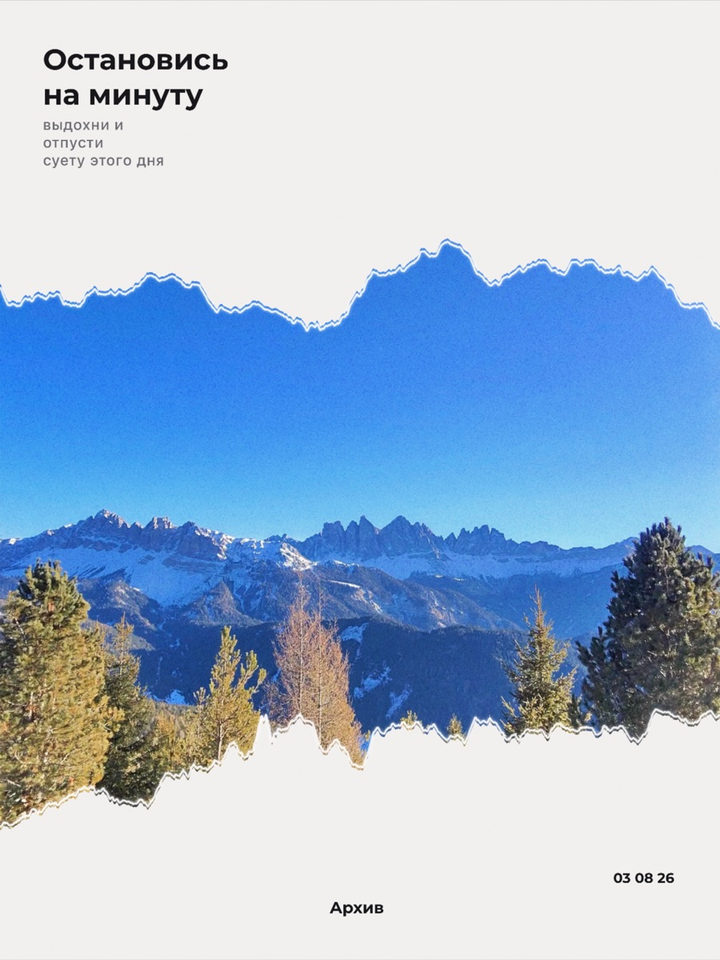 Torn Paper
 Marker phrase
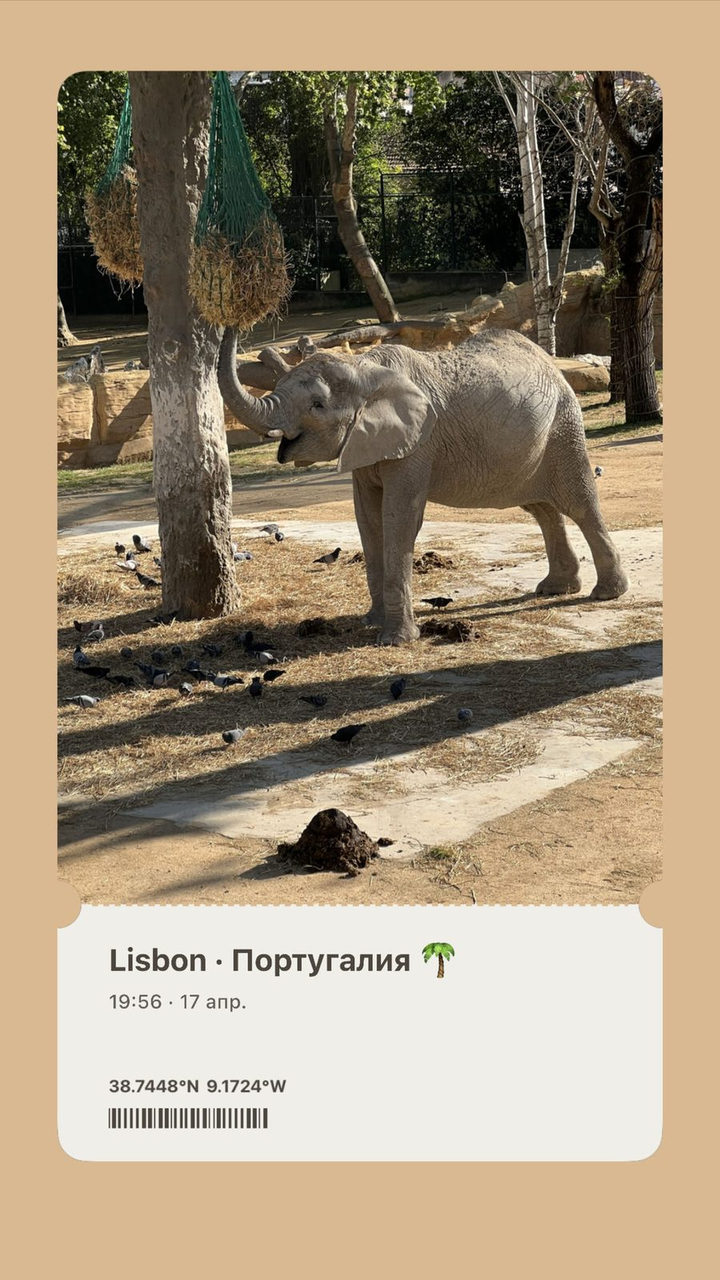 Photo Pass
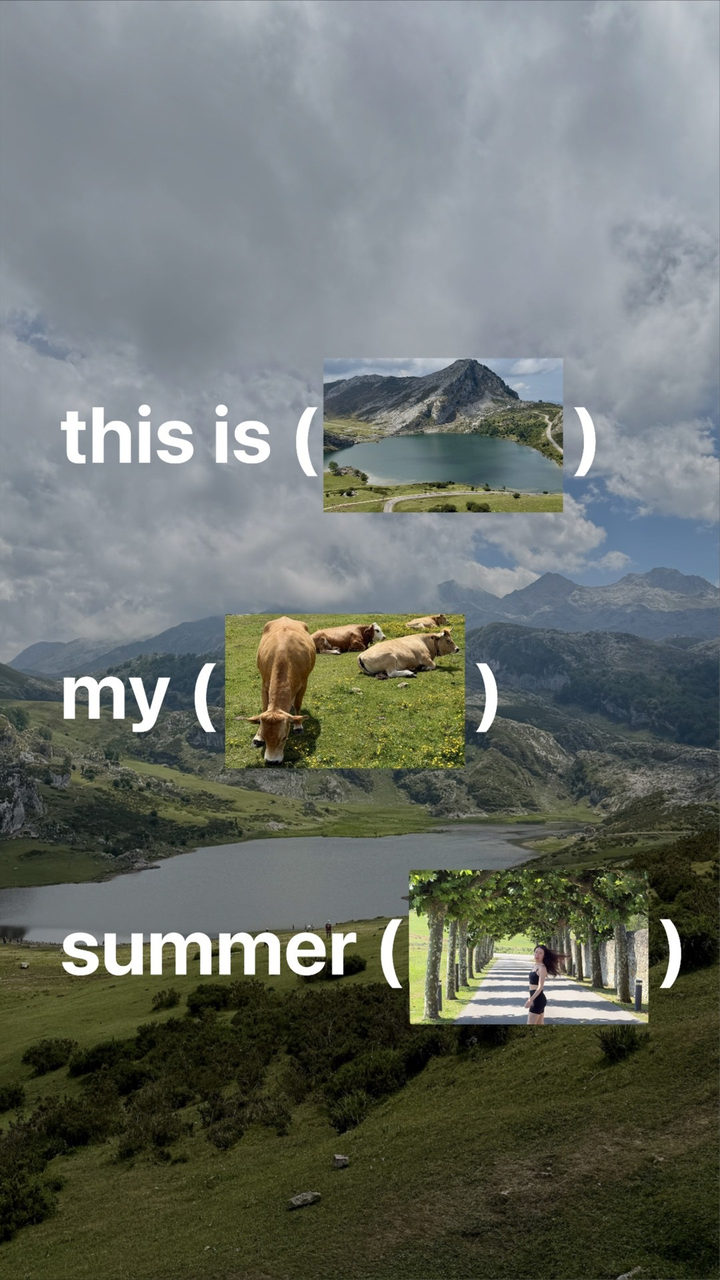 What I did this summer
 In a circle
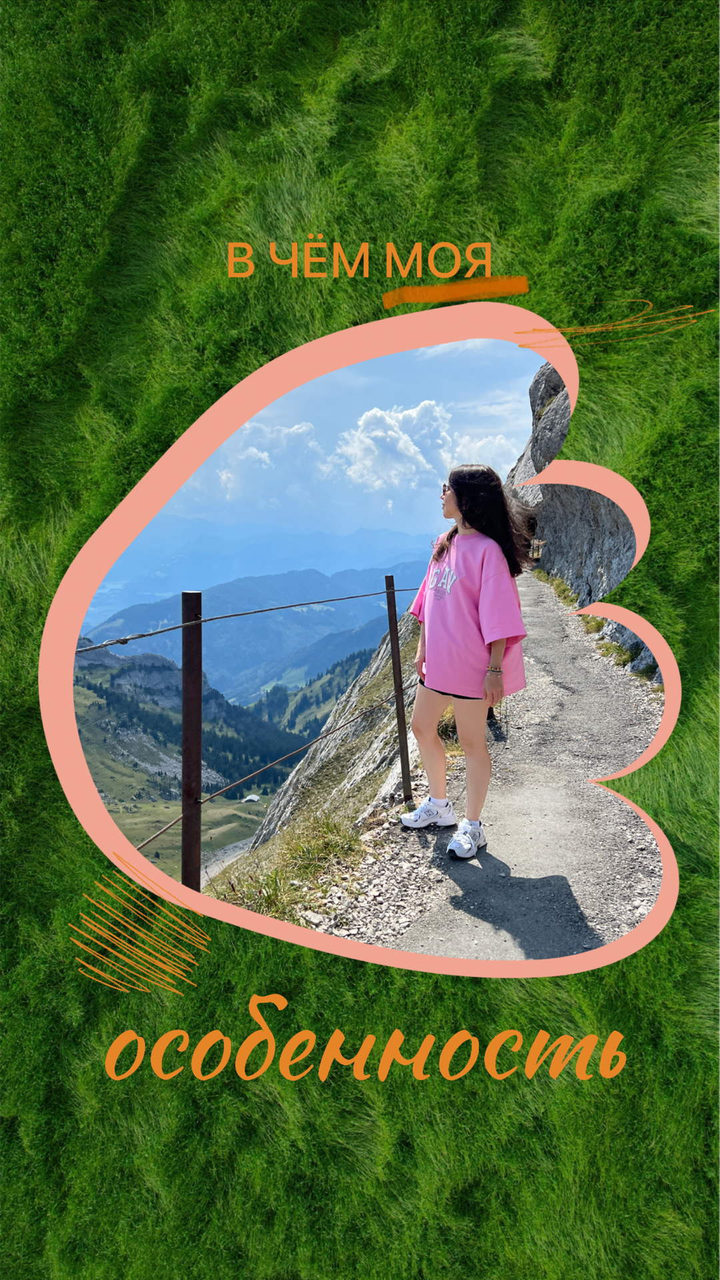 Feature
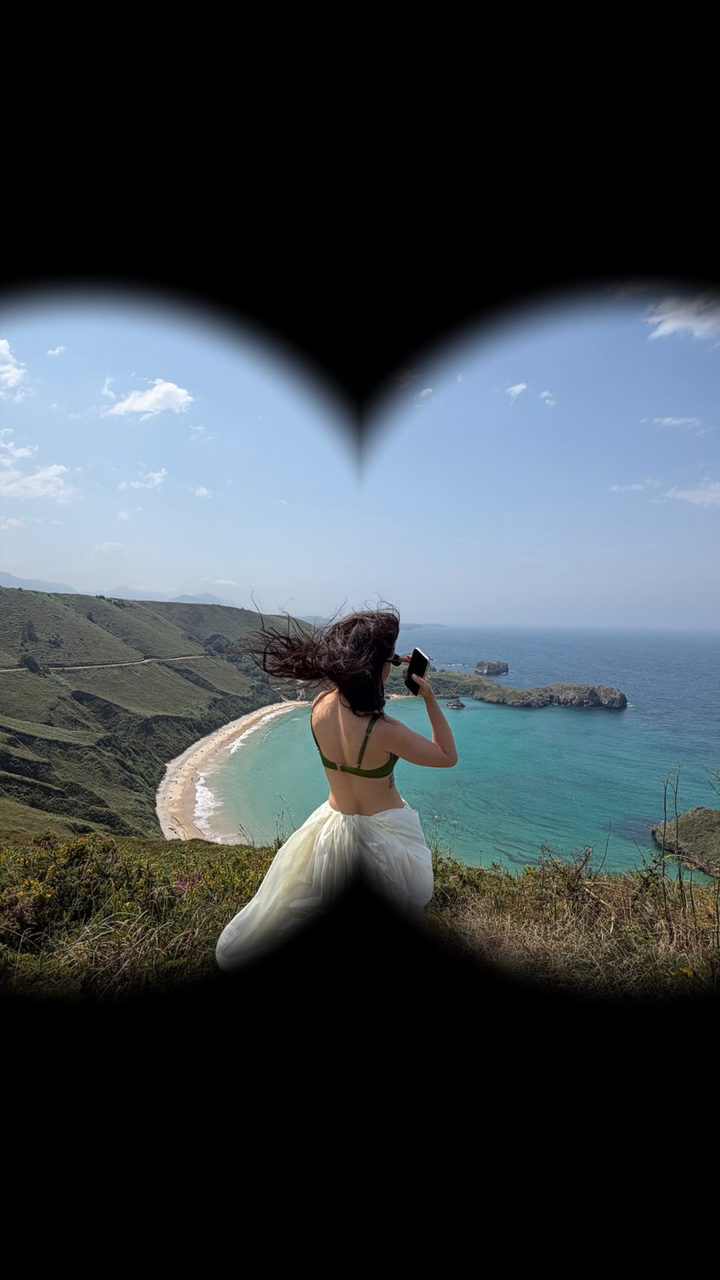 Binoculars
- Countries I’ve been to
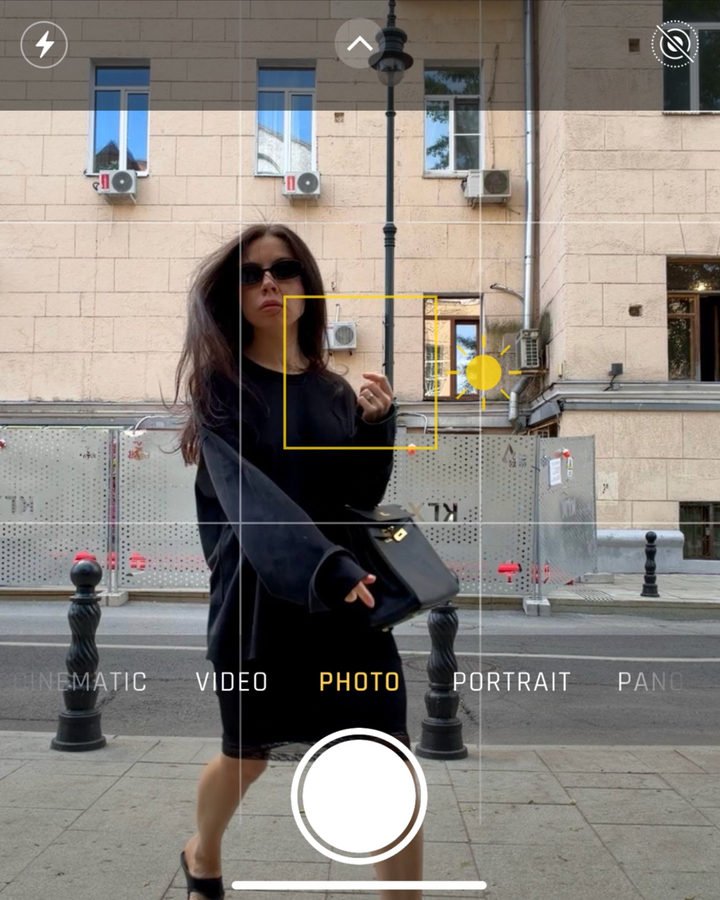 Camera UI
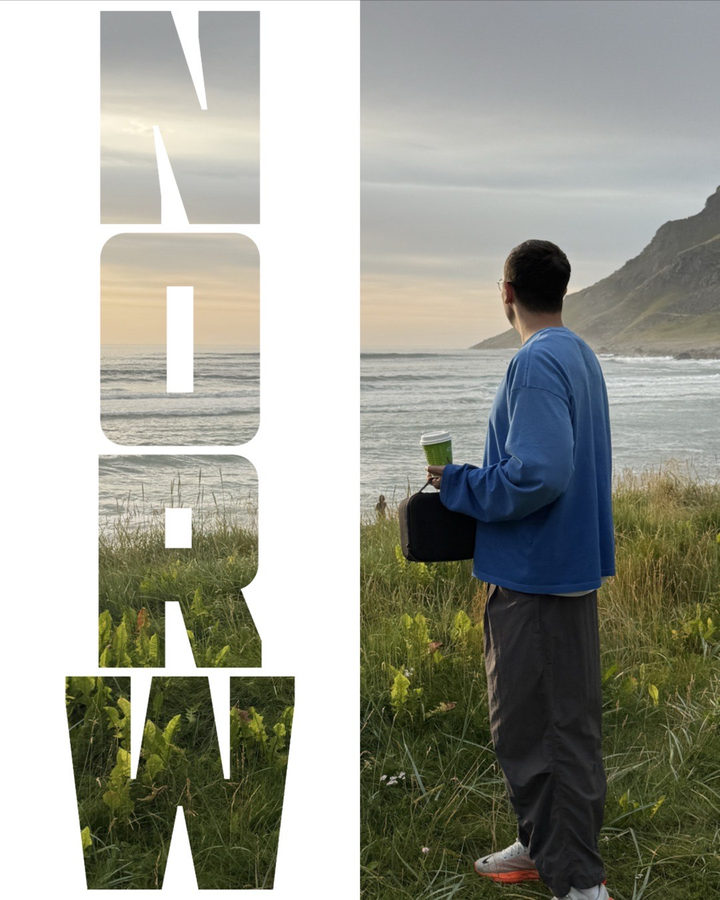 See-through letters
 Find the word
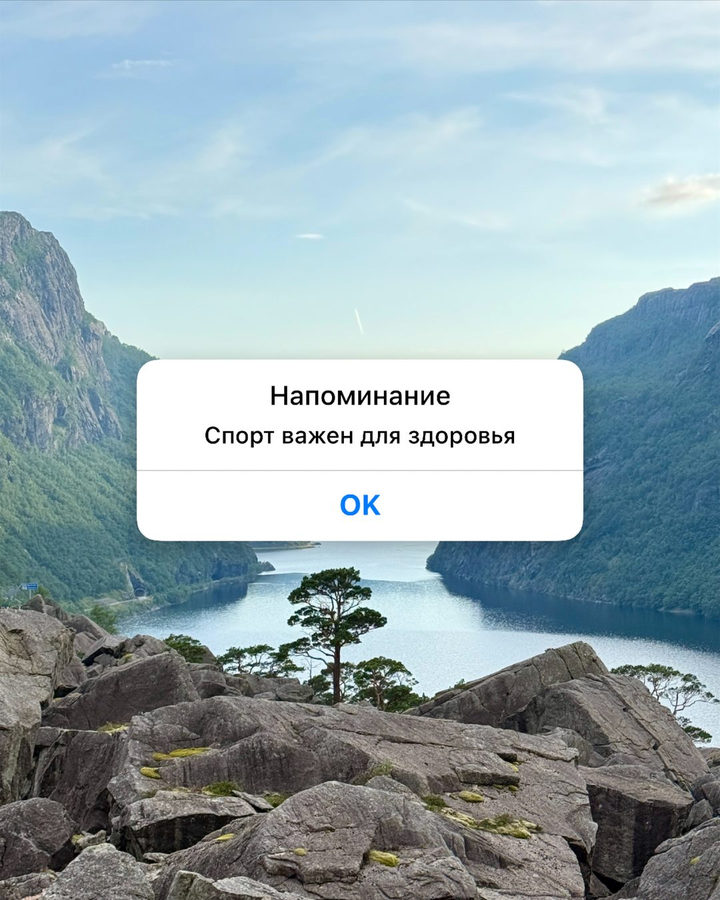 Reminder